Define what the user needs to know
When an AI response appears gradually, visible text alone does not show whether the chat works well with a screen reader. Define three outcomes: the user understands the request’s state, can read the received response, and keeps their previous working position. This method suits a custom web interface built on an AI API.
W3C’s explanation of WCAG criterion 4.1.3 describes making status messages accessible without moving focus to them. A short completion notification and the full response serve different purposes. This criterion does not require every arriving fragment of a response to be spoken automatically.
Prepare a review record with these fields: application event, visible message, expected announcement, keyboard focus position, and available next action. Record an observable outcome for every event. This lets you test the interface even when the model’s exact wording changes.
Separate notifications from response content
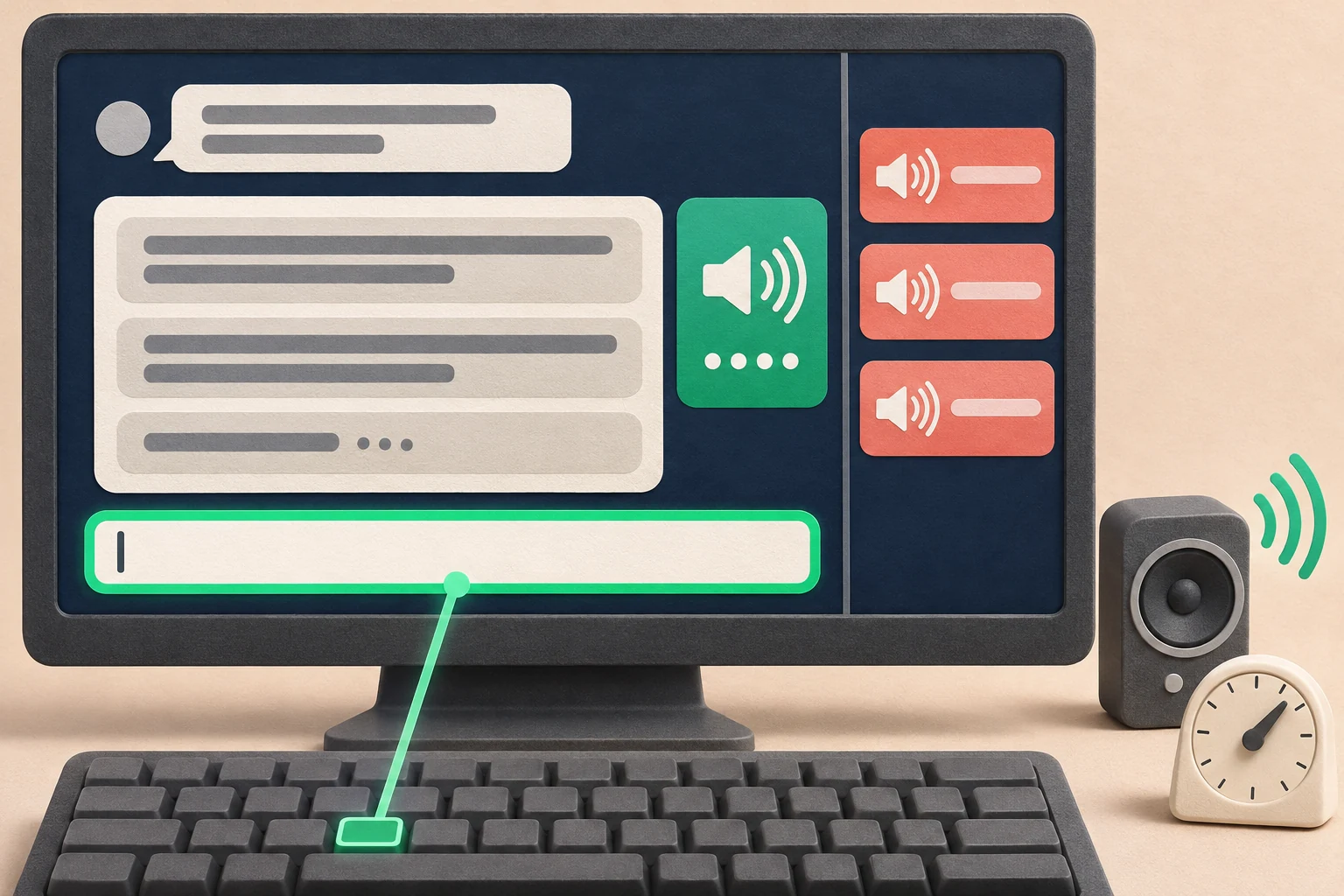
For the first interface version, choose a simple arrangement: the growing response remains available for ordinary reading, while a separate short region reports its state. In WAI-ARIA, the status role represents nonurgent advisory information and has an implicit polite priority. Assigning a role does not itself verify that the arrangement works.
The same specification describes log as a sequence of entries appended at the end; chat history is one example. Calling something a chat is insufficient reason to assign that role to a continuously rewritten response. If the product automatically announces completed messages through a log, test that arrangement separately for repeated reading.
MDN recommends establishing a live notification region before updating its content. Use polite announcements for ordinary waiting; assertive priority is intended for urgent messages and can interrupt speech. In the chosen arrangement, avoid duplicating one notification across several automatically announced regions.
Connect announcements to application states
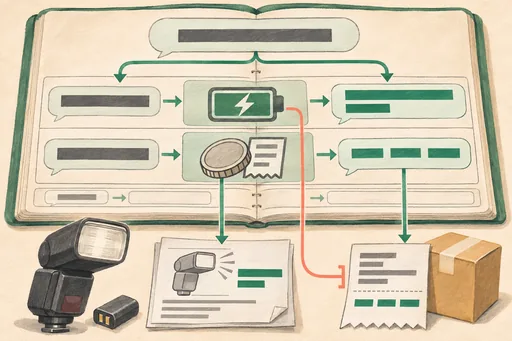
Describe five states: waiting, receiving text, ready, stopped by the user, and interrupted. Define an entry condition and message for each. For example, receiving the first fragment moves an attempt into receiving text, but does not yet justify announcing completion. Conditions must reflect actual events in your application.
Do not update the notification region whenever the response length changes. As a starting rule, announce the beginning of waiting and the final state; add intermediate notifications only when they provide clear value. This is a proposed method, not a standard announcement frequency. Agree on it with product users.
When processing ends, replace waiting with a clear outcome instead of merely removing the indicator. Use different messages for stopping and interruption if the application distinguishes them. Clearly label any retained fragment as incomplete. Provide an accessible action that users can activate themselves to move to the response.
Prepare an example without calling a model
Fictional example: a repair workshop assistant drafts a receipt notification for a mechanical kitchen timer. The reference text is: “Your timer has been received. We will provide a repair timeframe after inspection.” Test the interface using a prepared sequence delivering these sentences. This is an illustrative scenario, not a test result for a particular model.
For normal completion, first show waiting, then both sentences and a confirmed finish. Expected outcome: the completion notification is available, both sentences can be read in order, and existing input remains intact. Separately replay a fast finish and slower delivery with a pause between sentences.
In the second variant, interrupt delivery after the first sentence. Expect an incomplete-attempt message and retention of only the received text. In the third, stop it with the button. In the fourth, deliver an already processed completion event again: the interface should neither create another response card nor queue the same notification again.
Test reading and the user’s position
Enable a screen reader and follow the scenario using the keyboard. First submit a request and leave focus in the input field. Then repeat while reading an earlier message as the new one arrives. Record whether updates interrupt reading, restart the history, or prevent independent navigation to the result.
Distinguish keyboard focus from the screen reader’s reading position: preserving one does not prove preservation of the other. Check both. Type a few words of the next question before the current response finishes, and confirm that updates neither erase the input, move the caret, nor submit the text.
After stopping, check where focus goes if the stop button disappears. Users should understand their position and have an accessible way to continue. Next, use the intended action to reach the completed response, read it fully, and return to the input. Hearing a notification alone is insufficient for a successful check.
Record acceptance and limitations
For each attempt, record the scenario, browser and screen reader versions, announcements heard, focus position, and defect found. Proposed acceptance rule: the final state is understandable, all received content is accessible, input survives, independent navigation works, and redelivering an event creates no duplicate. Verify fixes using the same scenario.
Do not require identical spoken sequences under every condition. MDN notes differences between browser and assistive technology combinations. A very short attempt may finish before waiting is announced; prioritize access to its correct final outcome. Select supported combinations according to your product’s audience and test each one.
This protocol covers AI response updates, but does not establish accessibility of the whole application. Complex tables, links, mathematical expressions, and other content types need separate scenarios. Illustrative replay isolates interface behavior; follow it with checks using actual application events, including errors and stopping, and then involve screen reader users.