Check the model and index together
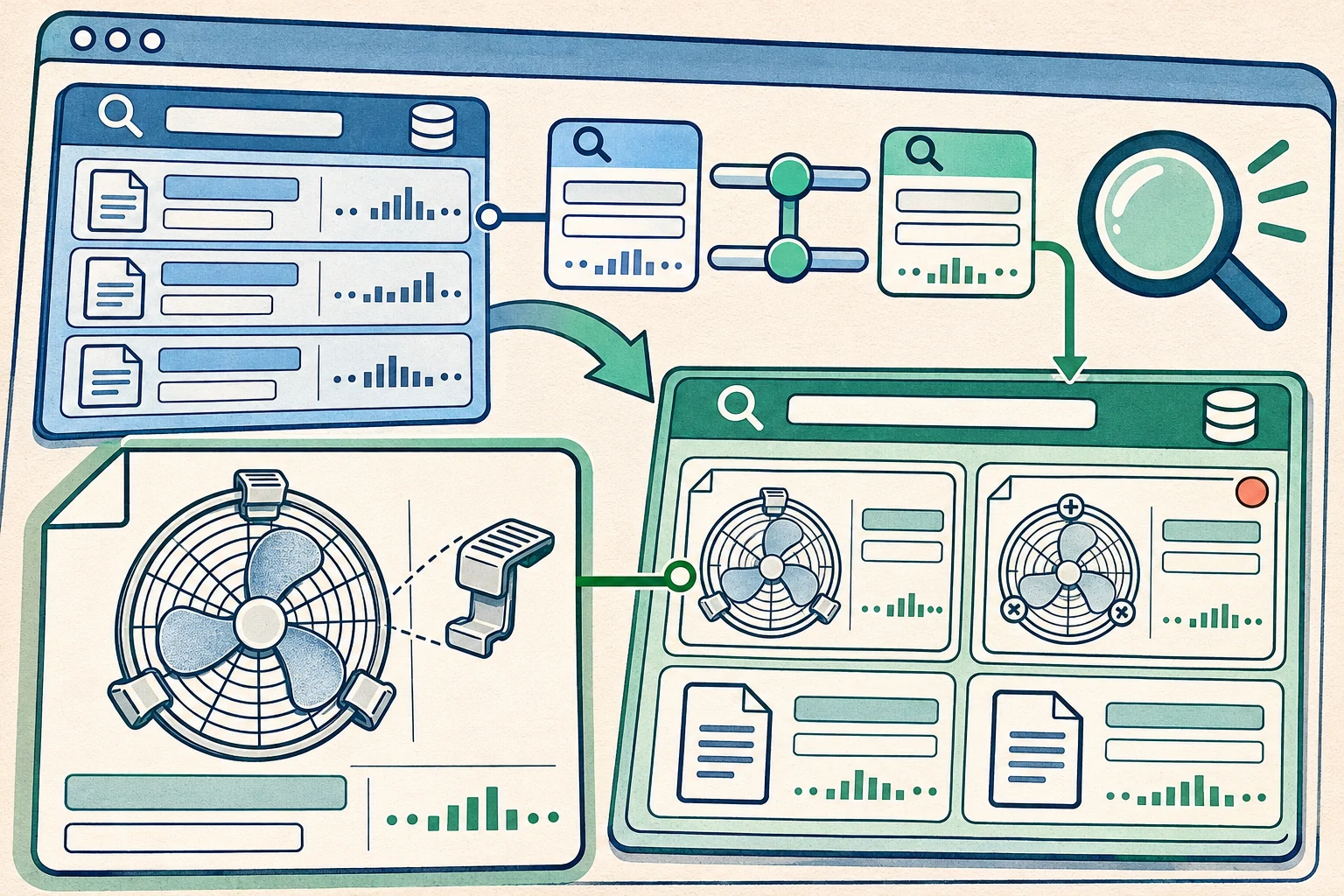
Switching embedding models changes the numerical representation of text. Matching vector lengths alone do not establish compatibility. Microsoft recommends using the same model to generate document and search query embeddings. The practical implication for migration is to check the new document representations together with the query conversion configuration. Successfully loading an index does not establish that search has preserved meaning.
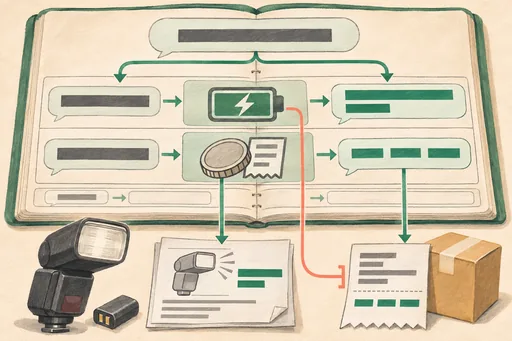
SeaGenera provides embeddings through its API. Your application manages the index storage and version selection described here. Migration preparation should produce a search generation record, a vector-to-source mapping, and an acceptance report. These should identify which settings belong together and how to restore the previous generation if checks reveal missing required documents.
Record what belongs to each generation
Define a generation as a consistent combination of settings and data. Record the model identifier, its version when available, dimensionality, text preparation, document and query processing modes, search metric, and normalization. Add the document splitting version and a snapshot of the source collection. Give the new index its own generation identifier. Make matching generation identifiers for the query and index a mandatory condition for searching.
Check the metric particularly carefully. Faiss documentation explains that inner product corresponds to cosine similarity after document and query vectors have been normalized to unit length. If you use this approach, record the rule and verify both sides. Do not add normalization simply because another example includes it: first establish which metric and preparation your system expects.
Build a separate index with verifiable links
Build the new generation separately from the live one. For a small catalog, a window without document changes is convenient. If updates continue, keep a change log, including deletions, and apply accumulated changes before switching at an agreed update boundary. Store the source identifier and revision for every fragment. Compare both record counts and the complete identifier sets: identical totals can conceal a missing record and a duplicate.
Vector-to-document links must survive changes in loading order. The Faiss getting started guide shows that vectors receive identifiers based on insertion order when explicit identifiers are not provided. Reusing an old mapping table with a new index therefore requires a separate check. During acceptance, open the source using the retrieved identifier and compare the stored text, revision, and the fragment’s document ownership.
Illustrative example: fan instructions
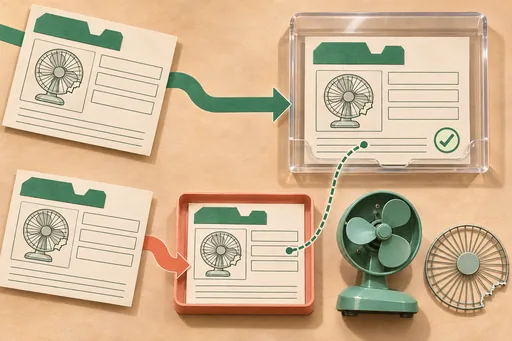
Consider a fictional archive containing 24 short instruction documents for desk fans. For this example, assume that the old and new representations both contain 768 numbers. The question “How do I remove a grille held by clips?” should retrieve the appropriate instruction sheet; instructions for a screw-fastened grille cannot replace it. Before migration, manually link this question to the required document and explain the expected result.
Introduce an error into the illustrative setup: the new vectors were loaded after sorting the documents, but the mapping table was left unchanged. Search may select the correct vector while displaying instructions about screws. Checking dimensionality and record counts will not reveal this. Verification must follow the entire path: retrieved vector, fragment identifier, instruction text, and source document. Repair the mappings, then check the same path again.
Separate integrity from retrieval usefulness
First check technical integrity on a small control collection. Submit a stored document vector as a query to exact search using L2 or cosine similarity. The document itself should appear among the nearest matches; account for tied scores when vectors are identical. The Faiss guide includes this type of self-retrieval check. Then compare exact search with your production approximate search: Azure AI Search documents an exhaustive nearest neighbor mode for this control.
Separately prepare natural language questions and manually identify the required documents. In the illustrative example, use eight questions and require the necessary instruction sheet to appear within the first three results for each question. This is a predefined condition for the example, not a universal standard. Check both generations against the same archive snapshot. Investigate every omission individually; preserving the previous order of all results is not a success requirement.
Switch the complete configuration and test rollback
Switch the index identifier and query conversion settings as one coordinated change. A request already in progress should finish using the generation with which it started. Test three scenarios: a request before migration, one afterward, and an attempt to combine a new query representation with the old index. Your application should reject the last scenario. To roll back, restore the entire previous configuration and repeat the control question about clips.
While rollback remains possible, keep both generations current, including deletions. Passing the control set does not guarantee quality on unfamiliar queries, and vector self-retrieval does not establish the model’s semantic usefulness. Do not transfer a numerical similarity threshold between generations without a separate check. If an exact model version is unavailable, retain control vectors and the build date: the generation record captures known conditions but cannot ensure that an external model remains unchanged.