Test the assembled message
AI can translate a displayed message example well while leaving its template broken. The interface looks correct with one file, uses an incorrect word ending with two, and loses text when the collection name is long. Developers therefore need testable combinations of input values and expected messages.
W3C describes translation difficulties when applications assemble messages from separate fragments: another language may require different word order and grammatical agreement. Give AI the complete message and its context. Likewise, test the complete sentence after inserting data, rather than individual translated words.
The practical deliverables are a message specification and a test log. The specification records the message’s purpose, variables, and permitted variants. In the log, each set of inputs has an expected sentence and an actual result. The following is an independently proposed workflow; all examples are fictional.
Define the message contract
Choose a small, complete scenario, such as notifications after file uploads. List its messages using stable identifiers. For each, specify which parts may be translated, which technical names must remain unchanged, and which values the application supplies. Keep the original version separately from AI’s proposal.
Microsoft recommends providing context for strings and descriptions and example values for variables. In our scenario, explain that the count means successfully added files, while the collection name comes from the user. Also identify where the message appears: an operation summary, a dialog title, or a button label.
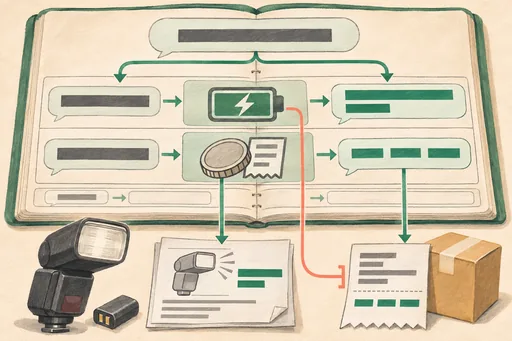
Allow variables to move only where the formatting system supports it. Preserve their technical names and required notation. During review, compare the expected variables separately for each branch: a special message for zero results may intentionally omit the number. Agree on this exception beforehand, or an omission could be mistaken for an effective editorial improvement.
Illustrative example: uploading to a collection
In our example, an English message reports the number of successfully added files and the collection name. There are two variables: a nonnegative integer count and a collection name containing user text. An example after substitution is “2 files added to collection ‘Маяк’.” The name “Маяк” is data and remains unchanged during translation.
Expected Russian examples are “В коллекцию «Маяк» добавлен 1 файл”, “В коллекцию «Маяк» добавлено 2 файла”, and “В коллекцию «Маяк» добавлено 5 файлов”: one, two, and five files added to the collection. For zero, agree on “В коллекцию «Маяк» не добавлено ни одного файла”, meaning no files were added. The contract permits omitting the numeric variable here.
Suppose AI proposes a template that displays “В коллекцию «Маяк» добавлено 21 файлов” for 21. This is an illustrative defect, not an observed model result. The correct expected version is “В коллекцию «Маяк» добавлен 21 файл”. Testing only 1 and 5 would miss this discrepancy.
Cover the plural branches
MDN explains that plural categories depend on the language. Intl.PluralRules helps identify the category, but the application must supply the appropriate message. Two English forms therefore cannot automatically be assumed to provide sufficient Russian variants. Check the target language’s rules and your localization system’s capabilities.
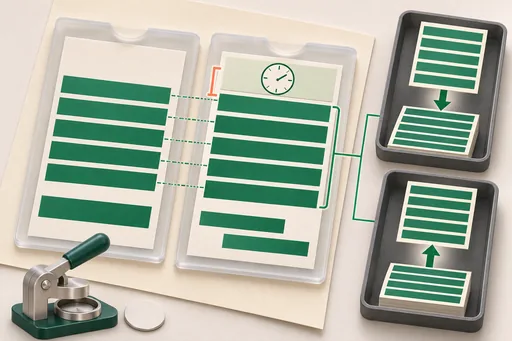
For the illustrative counter, prepare 0, 1, 2, 5, 11, 21, 22, and 25. Write the expected Russian sentence for each beforehand. This is a proposed diagnostic set for integer file counts, not a universal list for every language. Also record which message branch the test build selected.
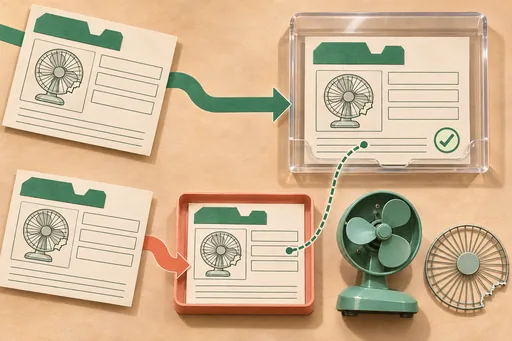
Repeat the checks with a short collection name, a long one, and then North Pier. User text should remain unchanged unless the product specifies otherwise. Separately check where the displayed string came from: automatic fallback to the source language can conceal a missing translation branch. A readable result alone does not confirm that the intended resource was used.
Separate translation, assembly, and layout
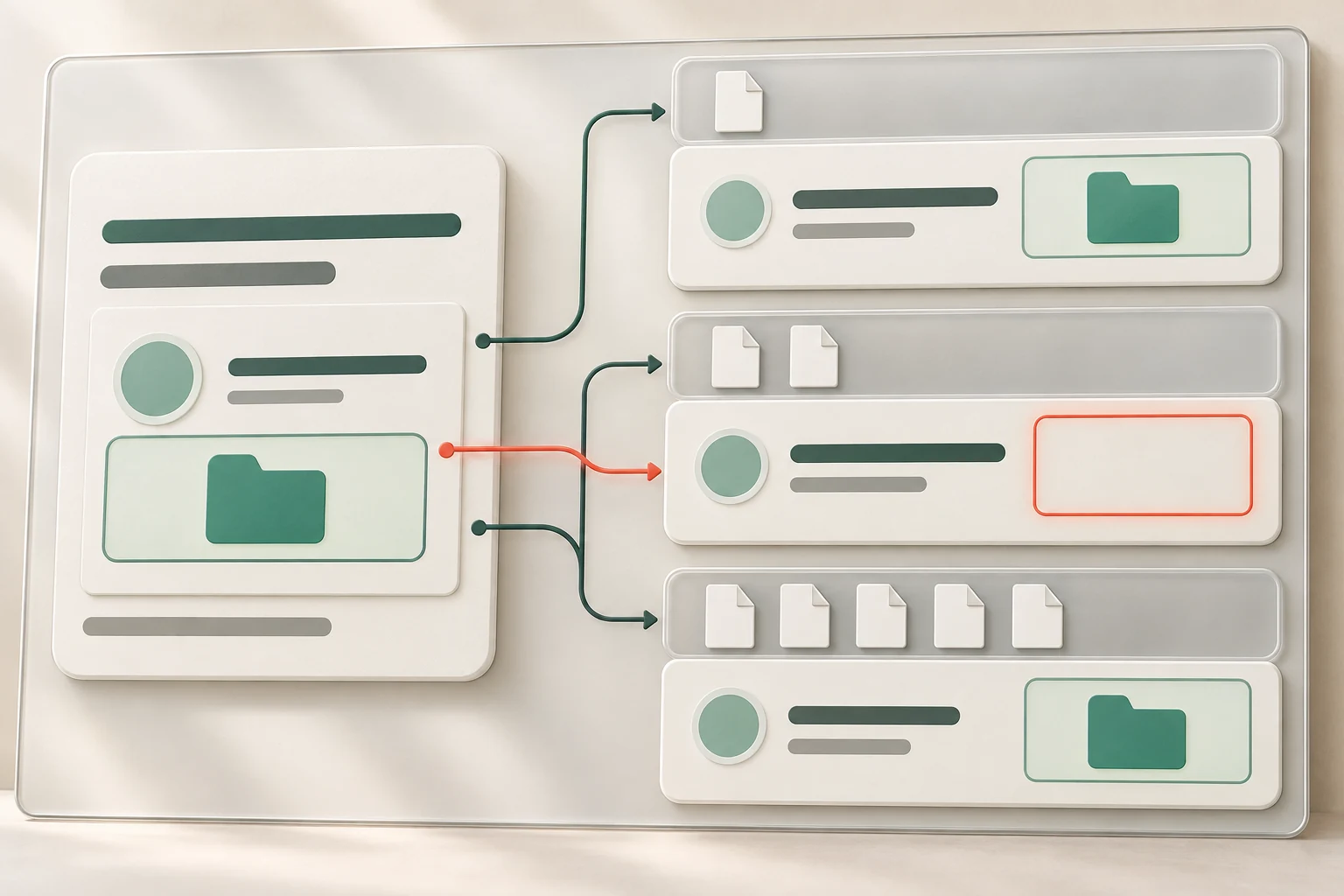
When results differ, first compare the inputs and selected branch with the specification. If the application supplies the number of selected files instead of added files, editing the translation will not help. If the correct branch contains incorrect agreement, fix the text. If the name disappears, inspect variable preservation and substitution.
Next, open the message in its intended interface. Microsoft describes pseudolocalization: artificially changing and lengthening strings helps reveal display problems, but does not replace checking the actual translation. Use this mode if your environment provides it, and additionally test real Russian sentences with long names.
In the log, distinguish wording, branch selection, data substitution, and display defects. For each, retain the input values, expected result, actual sentence, and a screenshot for visual problems. This record makes the check repeatable after a fix and helps identify which component needs changing.
Record the release decision
Propose an explicit acceptance rule for the chosen scenario: every required branch exists, agreed examples display correctly, user values remain intact, and no unintended language fallback occurs. At the target window sizes, the complete message must remain available to read. Mark untested combinations separately so they cannot appear to have passed.
This set covers integer file counts within one scenario. Fractional values, ordinal numbers, other languages, writing direction, and messages with several independent selectors require their own cases. Even passing every selected example does not prove that the entire localization is correct or replace linguistic editing.
After a fix, repeat the failing case and nearby values, then check related messages using the same variables. Include the specification, translation resource version, and results log in the developer handoff. Test a new AI proposal again: the previous release decision applies to the specific version that was checked.