Prepare two versions for comparison
Music changes the impression made by AI narration, but speech clarity needs checking again after it is added. An editor familiar with the script may mentally reconstruct a poorly heard word. A useful check therefore produces a list of specific places where background sound interferes with understanding.
Keep the original voice track and music separately. If the narration was produced in SeaGenera, download the audio file and continue in an editor that allows independent track level adjustments. Prepare a voice-only version and a copy with music, keeping the processing of the speech identical.
Freeze the script and voice file, and identify four or five details listeners must receive. These might include an action sequence, a number of button presses, or a prohibition. Change only the background between comparisons, so you can identify what caused an improvement.
Decide where background sound is needed
Mark speech, the introduction, and pauses. Record the purpose of each music passage: introducing the piece, establishing a mood, or separating sections. If its purpose is unclear, prepare a version without it and include that version in the comparison on equal terms.
W3C’s explanation of WCAG 1.4.7, Level AAA, gives three options for prerecorded audio dominated by speech: no background, a way to switch it off, or background at least 20 dB below speech. Occasional sounds lasting one or two seconds are excepted; audio CAPTCHAs, audio logos, and musical vocal performances are outside its scope.
This criterion concerns audio without video. Lowering background sound can also be a working technique for video, but that adjustment alone does not establish accessibility compliance. Decide in advance whether your project should also offer a separate version containing clean speech.
Adjust music throughout each phrase
Select the music track and reduce its level independently of the voice. Microsoft’s official guidance, for example, describes this adjustment through Clipchamp’s Audio tab. A slider percentage represents the selected clip’s setting; identical percentages on two different recordings do not establish equal loudness.
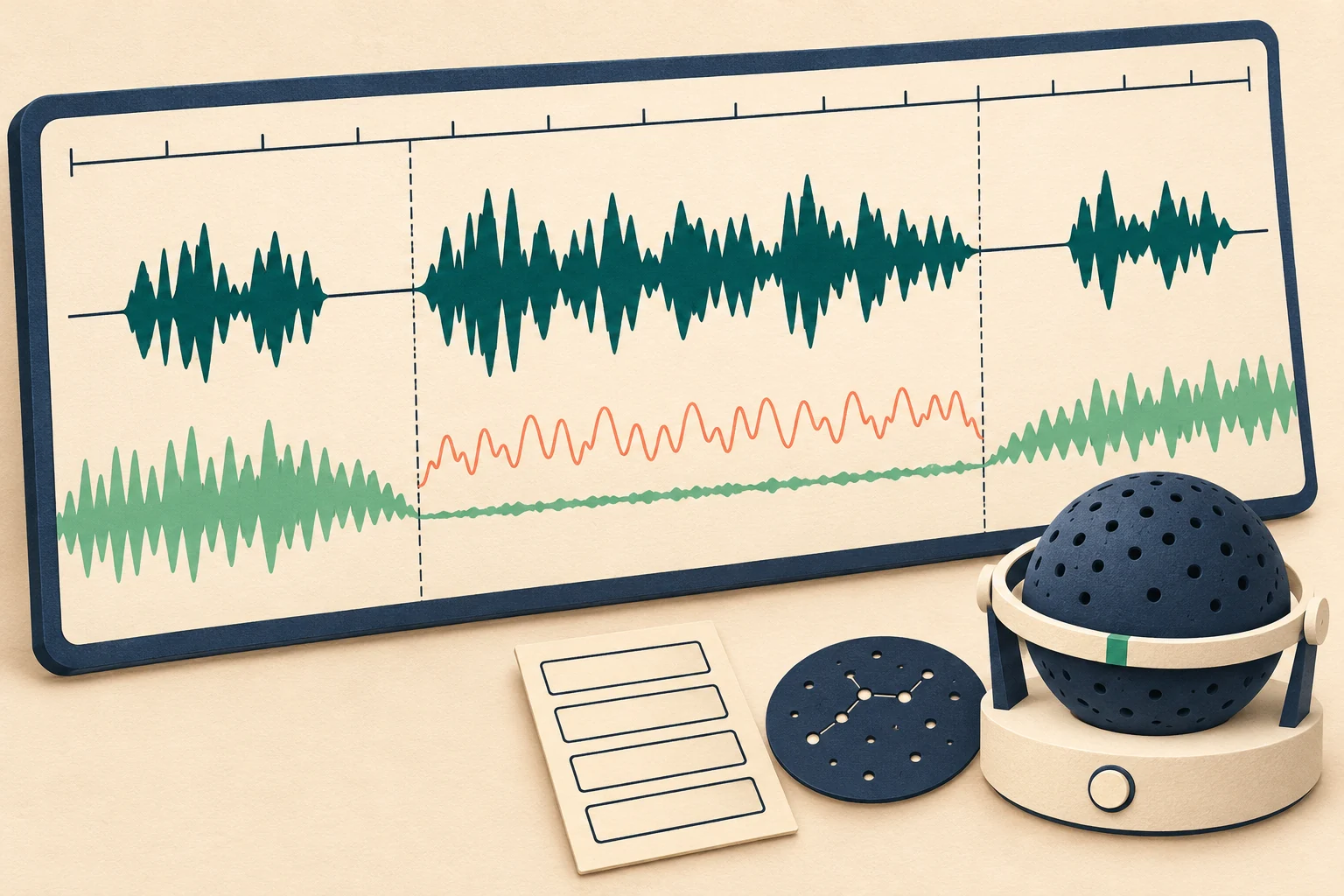
Start lowering the background slightly before a phrase and restore it after the phrase ends. Choose the exact boundaries by listening, then record them on the timeline. If music keeps rising between adjacent words, combine those moments into one longer quiet passage.
Check new instrumental entrances and short musical accents beneath essential words separately. An initial setting may suit a quiet passage yet interfere later. Without a meter, use comparison and listening, and record the absence of a numerical measurement in your check record.
Example: desktop planetarium instructions
This example is fictional, and all levels are illustrative. A 75-second guide says: “Insert the constellation disc. Turn the ring to the green mark. Press the light button twice. Do not turn the housing.” Music swells beneath the last two instructions at seconds 24–29. That interval enters the check record first.
W3C technique G56 includes an example comparing average RMS levels of speech and music. In our illustrative case, suppose one meter reports a 12 dB difference over the same interval containing speech. Lowering the music by 8 dB produces a calculated 20 dB difference. Measure the levels again after the adjustment.
This calculation concerns relative track levels and is not a real test result. It establishes neither acoustic loudness at the listener’s position nor every word’s intelligibility. Record the interval, original difference, attenuation, and actual repeat measurement, with a separate field for the listening outcome.
Check what the listener understood
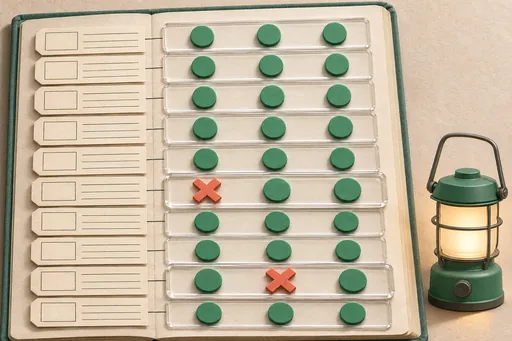
Prepare four questions for the example: which disc to insert, which mark to turn the ring to, how many times to press the button, and what must not be turned. Ask after playback without showing the script. Score each answer separately and retain the listener’s wording, particularly when uncertain or guessing.
Allocate first listens between the voice-only version and the mix. Someone who has already heard clean speech may remember the answer and subsequently understand a poor mix. To recheck a correction, use a new listener or another comparable passage that the person has not heard.
If an error occurs only in the mix, first adjust the background at that point. If both versions cause the same misunderstanding, separately review the speech or instruction wording. Log the file version, device, listening conditions, answers, and the interval requiring the next revision.
Accept the exported file
Export the revised version and listen throughout: first with headphones, then through the speaker of a device intended for use. Keep playback at the same comfortable setting when comparing versions. Check phrase openings, musical swells, and the background’s return after pauses, noting anything that prompts rewinding.
Set an acceptance rule beforehand: listeners correctly understand every required detail under the chosen conditions, and disputed passages receive corrections and another check. Avoid turning a small exercise into an audience-wide quality percentage. A few listeners can reveal specific problems but cannot represent every person and device.
Keep the clean speech, final mix, text version, and change record. After replacing music or the voice file, recheck affected passages and listen through the complete export. When the material requires reliable understanding of instructions, give listeners an accessible version without background music.