First, establish the video version
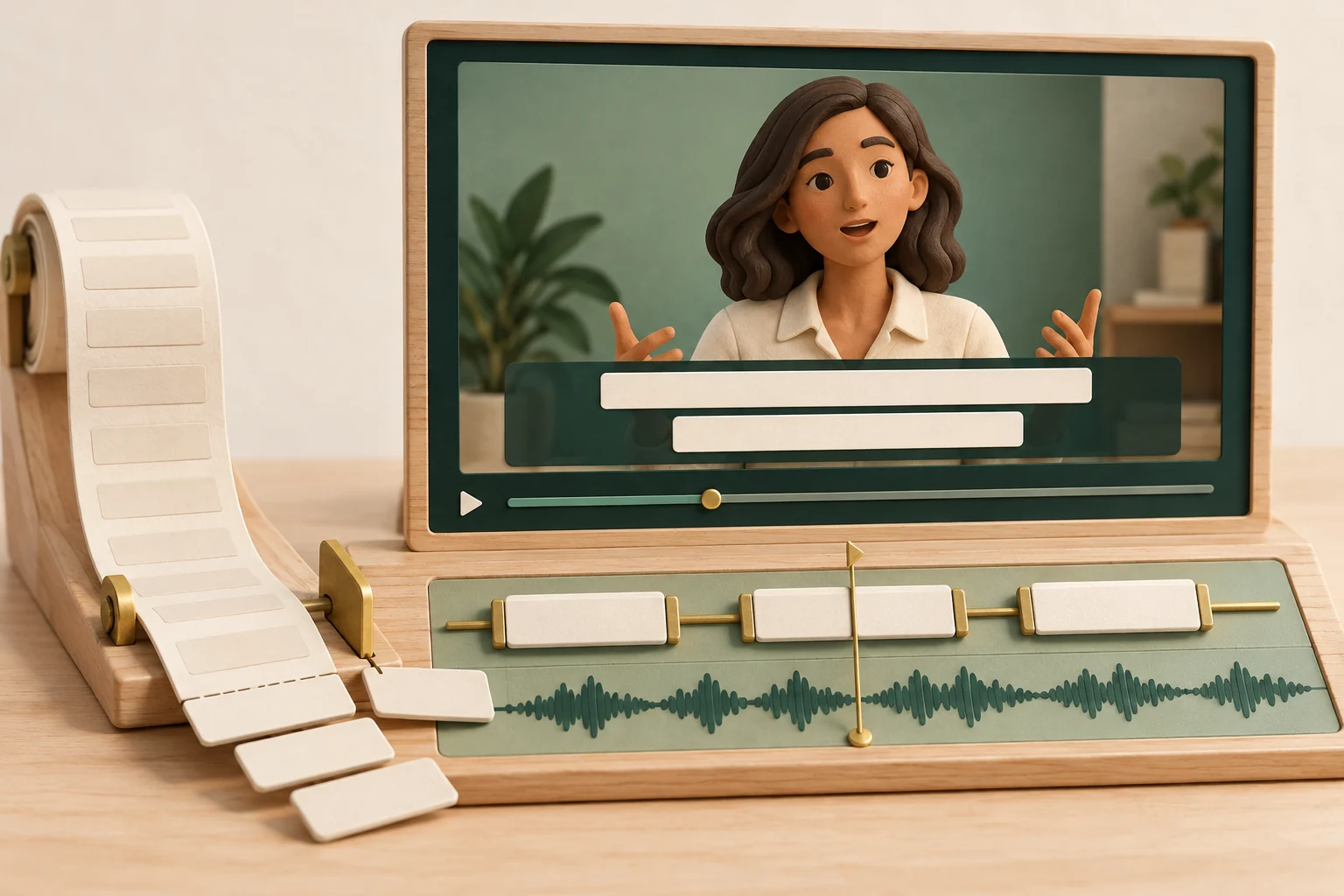
An accurate transcript does not automatically make a video comfortable to watch with captions. Text may disappear halfway through a thought or cover the action. The practical result of this work is a track with every block checked for content, start time, end time, and screen position.
W3C describes accessibility captions as synchronized text representing speech and meaningful sounds. A sequence of spoken words alone is therefore insufficient: viewers may also need to know that a signal sounded or that someone off screen started speaking.
Keep the approved edit and its matching transcript. Then use the editorial method proposed here: give each block a number, text, appearance time, disappearance time, and review status. Leave unverified intervals visibly empty so that provisional values cannot accidentally reach the release.
Ask the model to divide the text
Give a text model the approved transcript and ask it to suggest caption block boundaries while preserving the words and their order. Specify that rewriting and content reduction are outside the current task. If the model receives only text, ask it to leave display times empty.
W3C recommends one or two caption lines and dividing long sentences at meaningful phrases. When editing, consider whether each block is understandable without the next one. Avoid separating a short preposition from the word it belongs with.
Next, read the proposed blocks consecutively and compare them with the approved transcript. Every original word should remain in its original sequence. Check line breaks separately: the model may have produced neatly sized lines that are awkward to read because they split a connected phrase.
Set the timing against the recording
Open the blocks one at a time in a caption editor. Listen for the beginning and end of the corresponding phrase. Check the transition to the next block at normal playback speed: a still frame in the editor reveals little about how abruptly the text changes.
Avoid distributing the total duration in proportion to word counts. Two equally long phrases can contain different pauses. Treat timestamps proposed by a model without access to the recording or existing timing information as guesses until verified.
YouTube’s help documentation confirms that caption text and timestamps can be changed in its editor, and timing can also be edited through a downloaded file. Whatever tool you choose, check the track in the destination player after transferring it. Keep that verified version separate from the draft.
An illustrative example: two phrases and a click
The following example is invented to explain the method. In a hypothetical fifteen-second video, someone demonstrates a seedling tray. From seconds six to nine, they say, “Put the tray on the windowsill.” From seconds nine to twelve: “Cover it with the transparent lid.” A click follows as the lid closes.
Suppose the draft track displays both phrases only from seconds six to eight. The correction is to assign the first block to seconds 6–9 and the second to seconds 9–12. These illustrative boundaries come from the example’s description; actual video timings must be established against the recording.
If the click helps viewers understand that the lid has closed, add a separate sound description at the corresponding moment, such as “lid clicks shut.” Then watch the segment without sound. Viewers should have time to read both phrases, see the action, and understand the click through its caption.
Check the track in two viewings
Watch first without sound or pauses, using a window size close to the intended viewing size. Mark blocks you cannot finish reading and places where text covers hands, an object, or an important on-screen label. Check the entire video, including its beginning and ending.
Watch a second time with sound. Compare text appearances with the corresponding phrases, speaker changes, and meaningful sounds. After correcting a problematic block, replay its neighbors too: extending one block’s display time may leave too little time for the next.
To locate dense blocks, divide the character count, including spaces, by the display duration in seconds. For example, a hypothetical 60 characters over two seconds gives 30 characters per second. This measures reading load rather than a universal quality boundary. Decide using the language, text complexity, and a viewing by someone from the intended audience.
Account for limitations and retain the result
Google warns that automatic captions can misrepresent speech because of pronunciation, accents, dialects, and background noise. This segmentation method assumes an already verified transcript. Comfortable blocks and accurate display times do not, by themselves, confirm that the recognized words are correct.
Check synchronization again after changing the edit. If a segment is removed from the middle, shifting the entire track may fix one section while disrupting another. When translating, reassess segmentation and readability too: retaining the intervals does not guarantee that the translation fits them.
Deliver the approved video, its matching caption track, and a list of unresolved questions together. For rapid dialogue or complex terminology, involve a reviewer familiar with the material. Release the track after a complete viewing; checking a few successful segments is insufficient to accept the whole result.


