Decide what must stay fixed
AI can produce a convincing schedule in which identical clock readings represent different instants. Before publication, prepare an event record: original wording, date, local start, time zone, duration, UTC start and end, and confirmation status. This record lets you check the calculation separately from the invitation’s presentation.
MDN explains that seasonal clock changes can make a local time nonexistent or repeated. A date and city can therefore require an additional choice. Ask the model to check whether the source is unambiguous first and explicitly flag any unresolved questions.
For a series of meetings, establish whether the organizer’s local time or UTC time stays fixed. A W3C working draft describes recurring events as rules expressing user intent. Record that intent in a separate field: for example, every class starts at 19:00 in the instructor’s time zone.
Give the model a checkable source
Preserve the original phrase unchanged. Beside it, specify the full year, a named time zone such as America/New_York, and the required duration. Clarify the ending: does the class last 60 elapsed minutes, or must it finish at a particular local clock reading? These are different conditions in the record.
Separate confirmed information from questions for the organizer. If the source says only “local time,” leave the time zone unresolved. Do not let the model infer it from the correspondence language or a participant’s presumed location. Record who must confirm the missing information before release.
Example prompt: “Check this event record. List ambiguities first. If two start instants are possible, show both and ask which to use. After confirmation, provide the UTC start and end, then reconstruct the local date, time, and offset. Preserve the original conditions.” Include the completed record fields with the request.
Example: one clock reading, two starts
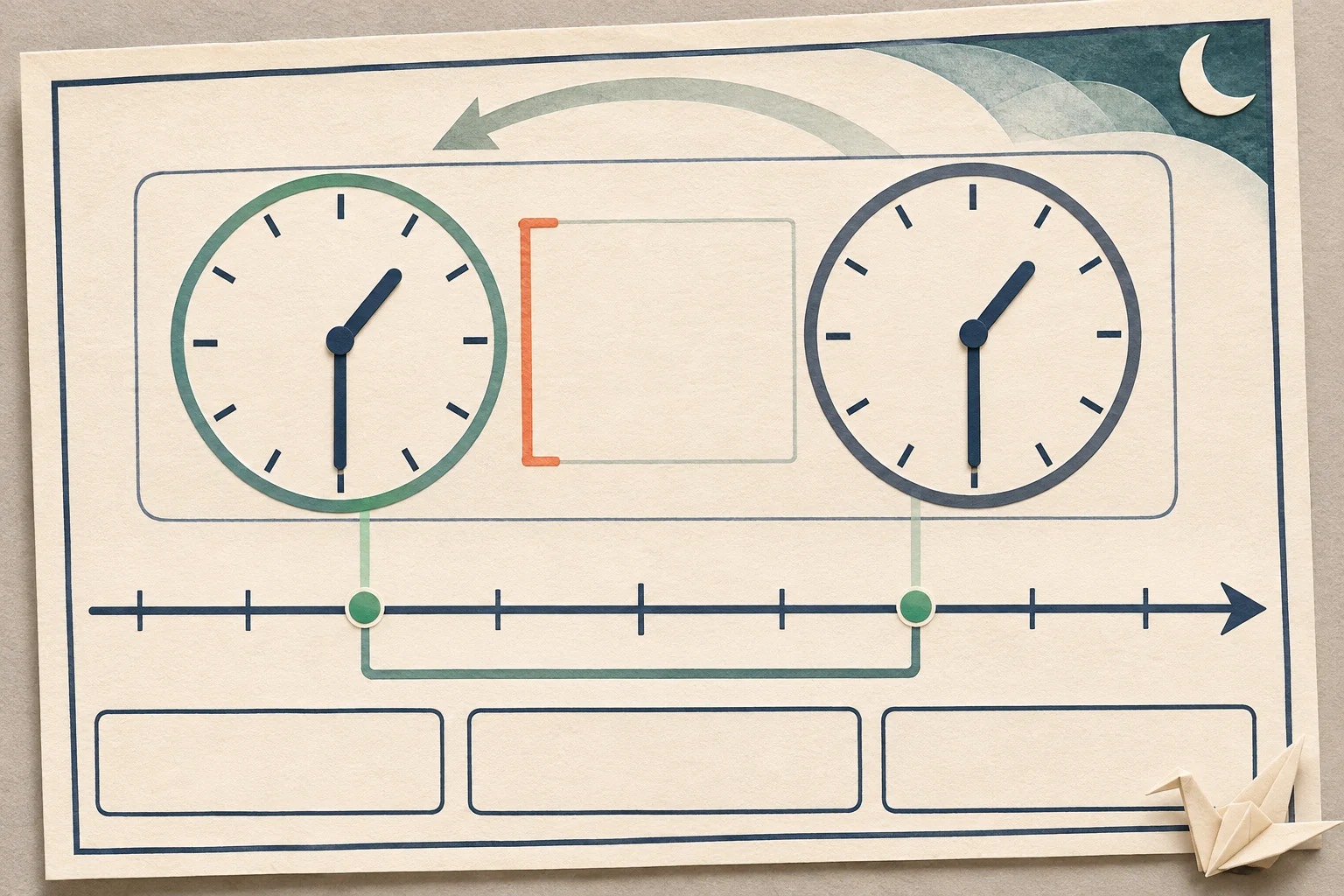
Illustrative example: an origami club records an overnight online class for November 1, 2026, at 01:30 in New York, lasting 60 minutes. The event is fictional. NIST states that on this date, US regions observing seasonal clock changes moved clocks back from 02:00 to 01:00.
MDN gives New York’s offsets as UTC−04:00 during daylight saving time and UTC−05:00 during standard time. Our example calculation follows: the first 01:30 corresponds to 05:30 UTC, and the second to 06:30 UTC. Until the organizer chooses, both remain candidates; neither is marked confirmed.
Suppose the organizer confirms the first 01:30, before the clock change. The interval is then 05:30–06:30 UTC. Locally, it starts at 01:30 with offset UTC−04:00 and ends at 01:30 with offset UTC−05:00. Identical clock readings are compatible with a 60-minute duration here. This is the expected illustrative calculation.
Check the calculation independently
Compare the source record, the AI answer, and your own verification. First, establish that the model used the confirmed start candidate. Then check the ending separately. An incorrect start can produce an incorrect interval despite correct duration arithmetic. Convenient answer formatting does not replace checking these two endpoints.
For a visual cross-check, use a calendar with selectable time zones; Google Calendar’s help confirms this capability for events. Enter the confirmed instant using UTC and inspect its display in the required zone. Check both endpoints; entering ambiguous local time could let the application choose a candidate automatically.
Accept the result when reverse conversion restores the intended date, time, and offset, and the UTC endpoints differ by the specified duration. If they disagree, retain both records and the reason for stopping. Update the event record first, then regenerate every time representation before changing the invitation.
Add cases that should stop the calculation
Prepare separate illustrative records for an ordinary day, a repeated hour, and a missing hour. For the last case, use March 8, 2026, at 02:30 in New York: NIST specifies a jump from 02:00 to 03:00. The expected behavior is to request a replacement time while preserving the original entry.
Test a date change with a simple fixed-offset example: November 2 at 00:15, UTC+02:00 corresponds to November 1 at 22:15 UTC. A correct hour with an incorrect date fails this check. Add a separate date check to the review log so it does not disappear among the time fields.
For recurring classes, select dates before and after a seasonal transition. Ask the model to process each date under the chosen series rule. Verify that the confirmed condition stays fixed. Success on one event does not validate a series; the series needs its own collection of records and expected results.
Record the decision and the limits
Keep the source, organizer’s confirmation, selected candidate, both UTC endpoints, local representations, rules source, and verification date in the final record. For an unresolved event, retain the question and responsible person. Give the editor both the invitation and its record so the time’s origin can be checked without rereading the correspondence.
The check has limits. W3C notes that time zone rules can change, and Google warns that some past and future events may display incorrectly. For a distant date, schedule another check closer to the class. Agreement between two displays does not itself establish that their rules are current.
In SeaGenera’s text Playground, you can ask a model to prepare this record and explain discrepancies. Keep your own copy of the verified information. Assign readiness after independent verification and any necessary organizer confirmation; confident AI wording must not turn an unresolved entry into a published schedule.


