Choose the object and its identifying features
In AI video, an object can pass behind an obstacle and return with a different shape, an extra component, or a changed color. During playback, this may resemble a turn. A check is useful when viewers must recognize the same product, prop, or character throughout one continuous shot. The result is an object consistency record with specific moments marked.
VBench treats subject consistency, motion smoothness, and temporal flickering as separate dimensions of video quality. For manual review, it helps to separate two questions: does the image move well, and does the object remain recognizable? The procedure below is an independent editorial method; it does not reproduce the benchmark’s calculations.
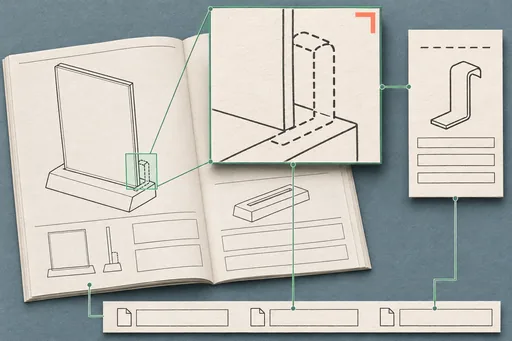
Choose one main object and record three identifying features: its shape, the position of a distinctive component, and its color combination. Specify which viewpoints reveal each feature. Separately list changes permitted by the story. This prevents reviewers from treating an expected opening, rotation, or lighting change as an error.
Describe the disappearance and return
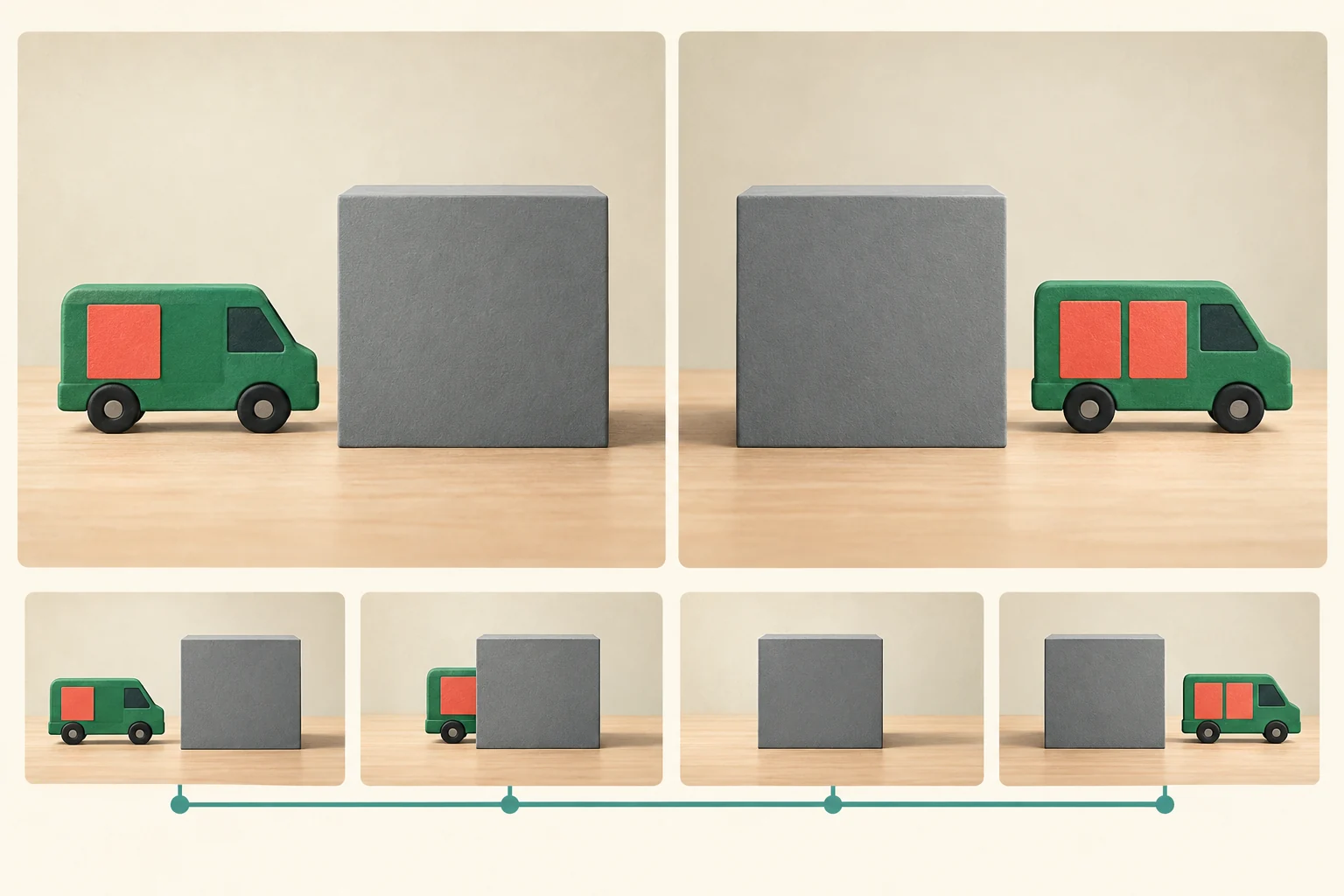
Illustrative example: a six-second clip shows a green toy van traveling from left to right behind a matte gray cube. The camera is stationary, and the van does not turn. Its camera-facing side has one coral door and two black wheels. The same body, door, and wheels should emerge beyond the cube.
MemoBench specifically examines situations where an object disappears from view and must return in the correct state, accounting for an ongoing change. This suggests a useful review question: what state should the object reach by its return? In our illustrative example, no structural changes are intended at all.
Divide the observation into three states: visible before the obstacle, fully hidden, and visible again afterward. During partial occlusion, check only exposed features. While the object is fully hidden, its state cannot be established from the image. The absence of a visible van behind an opaque cube is not itself a defect.
Watch the clip in three ways
Open the downloaded file in a player or video editor with frame stepping. First, watch the entire clip at normal speed without stopping. Mark moments when the object seems different, duplicates, or unexpectedly changes direction. Recording the suspicious time is sufficient on this pass: your initial explanation may be wrong.
Next, assemble an overview of frames, for example at half-second intervals. In the illustrative example, this interval helps navigation but does not guarantee detection of a brief glitch. Find the last clearly recognizable view before disappearance and the first after reappearance. Examine the entry and exit intervals frame by frame.
On the third pass, compare the selected features before and after occlusion. Account for viewpoint when assessing structure: a door’s changing apparent width does not necessarily indicate replacement. Motion blur, shadows, and reflections also require care. When uncertain, inspect neighboring frames and check whether the suspected defect persists.
Make the observation reproducible
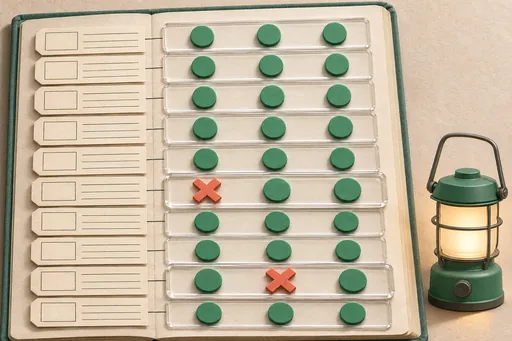
Record the filename, target object, required features, time interval, and expected state. For each issue, preserve frames before and after the event and briefly describe the difference. Use three decisions: meets requirements, violation found, or insufficient visible evidence. The last category prevents a guess from becoming an established error.
Example record for a fictional defect: at 1.8 seconds, the van has one coral side door; at 3.2 seconds, after fully emerging from behind the cube, it has two. Neither turning nor opening a door is intended. The violation is an additional component. These times illustrate documentation, not results from an actual generation.
T2V-CompBench separately examines attribute consistency, object counts, and object interactions. Similarly, separate the questions in your record: did the door remain intact, did a second vehicle appear, and did the object pass behind the cube correctly? Assess counts according to which objects should currently be visible.
Choose what to do after the review
Decide in advance which violations would prevent the clip from serving its purpose. For a product demonstration, changed construction may justify rejection despite attractive motion. For a stylized animated sting, permitted transformations can be specified separately. Tie the decision to the task and recorded features instead of relying solely on overall impressions.
If the defect starts after the required action finishes, consider trimming the ending. Check whether the result remains understandable and sufficiently long. If substitution occurs during an essential action, a successful still frame cannot repair it. After any edit, watch the entire remaining segment again, including its beginning and ending.
For another attempt, consider simplifying the trajectory, shortening full occlusion, or removing secondary moving objects. These are changes to the staging, not guaranteed fixes. Preserve the previous review record and compare versions using the same features. One corrected door does not mean every other component is now automatically correct.
Check the final file and limit the conclusion
After export, repeat normal playback at approximately the intended publication size and inspect the marked intervals frame by frame. Review the final file: the issue must refer to that version. If a difference appears only after export, compare the corresponding interval with the original clip before attributing it to the generator.
Ask a second person to watch the video without being told about the defect, then verify the record at the specified times. Separate how noticeable a violation is during playback from whether it exists in individual frames. If neither reviewer can confidently distinguish a feature, record the uncertainty and decide whether that visibility meets the task’s needs.
This procedure checks observable object consistency in a particular file. It does not prove that the model correctly represents the hidden scene or establish an overall quality ranking. Sparse frame sampling can miss brief errors. The final record should identify inspected intervals, detected violations, unresolved areas, and the decision about the clip’s suitability.