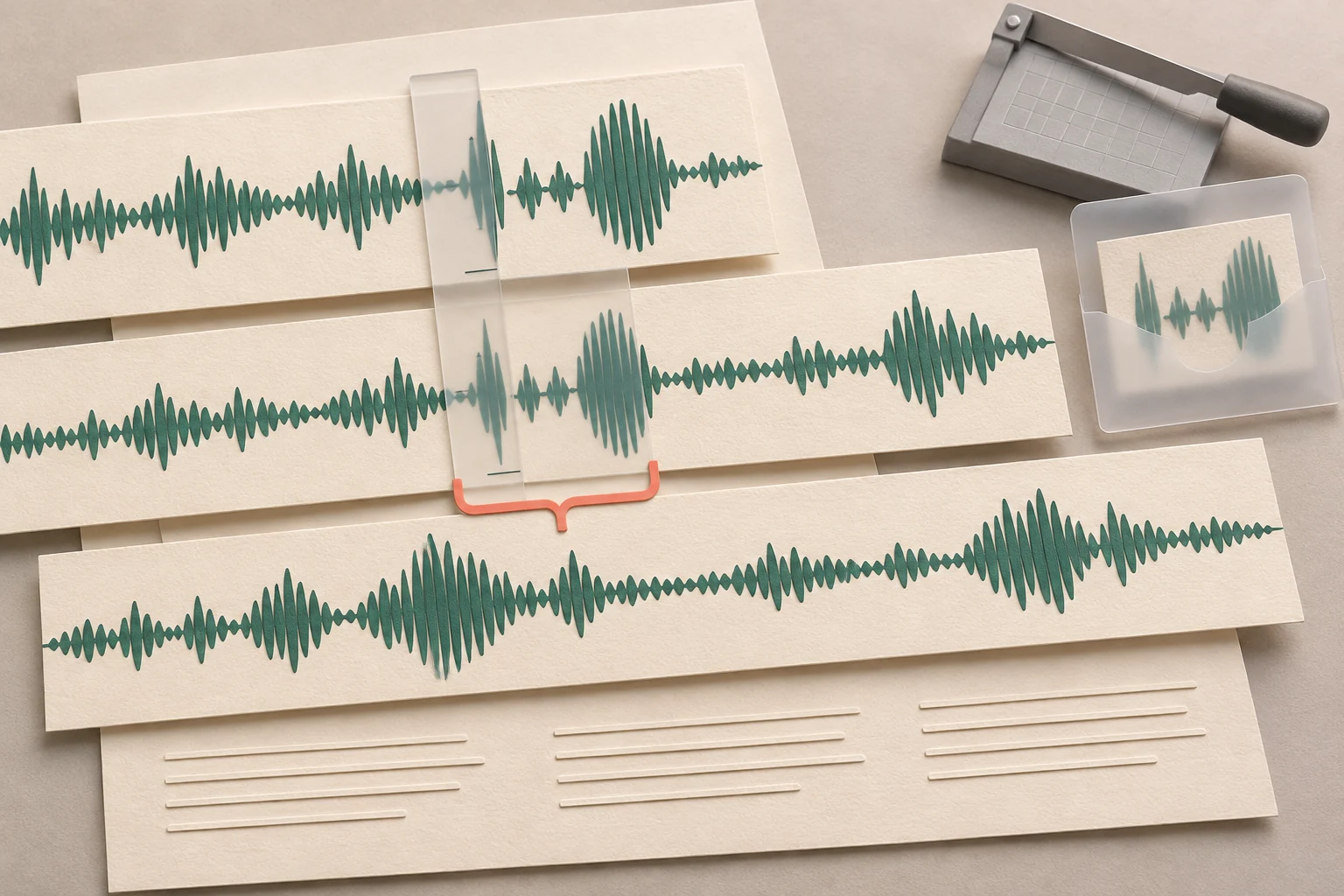
Where Nova-3 fits
Deepgram: Nova-3 converts recorded speech into text. Deepgram’s official README demonstrates file transcription using the nova-3 identifier. Here we address a specific task: assembling one document from separately transcribed chunks of a long recording while preserving speech order and genuine repetitions.
This workflow can help with a training session, equipment demonstration, or extended voice commentary when a recording needs splitting because of file size or handling convenience. The practical result is a continuous transcript and a join log that lets another editor check every removal of repeated text.
The following example uses a fictional eighteen-minute English recording of a lesson about a bench paper cutter. Every interval and utterance is illustrative, rather than a Nova-3 test result. No paid requests were made for this review; splitting and joining are an independent editorial workflow.
Prepare the chunks and a source map
Keep the original recording separately. For each prepared chunk, record its name, source start and end, duration, and neighboring chunk. After splitting, listen to the beginning and end of every exported file: its filename alone does not confirm that it contains the intended interval.
Example boundaries are 00:00–06:04 for the first chunk, 05:56–12:04 for the second, and 11:56–18:00 for the third. Each join therefore has eight seconds of shared audio. These boundaries explain the method; they are not a Nova-3 input duration requirement.
Overlap gives the editor material for comparing neighboring transcripts. Choose it by listening: ideally, both chunks should contain an entire recognizable phrase with surrounding context. Move a boundary that cuts through a word or lengthy explanation. Check file size and accepted format before uploading; duration alone does not determine audio file size.
Two request configuration examples
SeaGenera offers the model in Playground and through /v1/audio/transcriptions. Request example 1: select deepgram/nova-3, supply the first prepared WAV file through input_audio, specify its actual format, and set the language to en. The basic result contains text. Keep settings identical for the remaining chunks so processing changes do not complicate comparison.
Request example 2: for the same files, request verbose_json as response_format and word and segment as timestamp_granularities. SeaGenera’s documentation provides for retaining detailed fields only when the provider returns them. Assembly must therefore remain possible using plain text and the manually prepared source map.
Deepgram’s official SDK also demonstrates Nova-3 streaming, while SeaGenera’s audio methods return completed results. Diarization is unavailable for this catalog entry. Deepgram’s specification provides keyterm for terminology recognition with Nova-3; passing it through SeaGenera is unconfirmed in the supplied information. A free-text prompt is also undocumented here: the examples above describe settings rather than instructions to the model.
Join by source position rather than matching words
Suppose both neighboring files contain the complete phrase Keep the guard closed around 05:59 in the original. This is one utterance represented by two transcripts. Retain one copy after listening. If the second chunk begins at 05:56, its local timestamp of 00:03 corresponds to 05:59 in the source recording.
Another illustrative example: the instructor actually repeats that phrase at 11:50 and 12:10. These events sit on opposite sides of the second overlap. Preserve both utterances even if their text matches exactly. Finding identical strings cannot distinguish a processing duplicate from a speaker’s repetition.
At each join, locate the shared phrase, listen with the preceding and following sentences, and choose the transition point. Log the source interval, retained version, and removed copy. When neighboring transcripts disagree, recover the words from the audio; combining two plausible versions can create a sentence that nobody spoke.
Check the assembled transcript’s continuity
First check time coverage: the first file starts at the beginning, the last reaches the end, and neighboring intervals contain no unintended gaps. Then listen to both joins in the original while reading the assembled transcript. Check the word immediately before and after each transition: an omission can hide inside a grammatically smooth sentence.
For this example, an acceptance rule could require both joins to be checked, every removed duplicate to refer to one source event, every genuine repetition to remain, and uncertain words to be listed separately. This record makes the review repeatable and explains why a particular passage was removed.
Checking joins establishes assembly quality only. It does not establish transcription accuracy throughout the remaining minutes. Noise, simultaneous speech, and unclear words need separate listening. Splitting also reduces the context available to each request; investigate an uncertain passage using a wider source interval rather than only the brief overlap.
Include overlaps in the cost estimate
The supplied SeaGenera catalog lists Nova-3 billing per audio second in rubles. For an initial estimate, multiply the combined duration of submitted files by the current rate. Our example submits 364, 368, and 364 seconds: 1096 seconds altogether, compared with the original recording’s 1080 seconds.
The additional sixteen seconds come from the two overlaps. This calculates the example’s submitted volume rather than a confirmed charge. Before submitting, check the Deepgram: Nova-3 card and /pricing; the displayed reserve and final charge can differ.
Resubmitting a corrected chunk adds a separate processing attempt. If an earlier operation’s outcome is unknown, check its history first. For later editing, keep the returned texts with the source map and join log: assembly corrections can then be made without transcribing the entire lesson again.


