Which recordings suit this task
A Russian-language device demonstration may contain English mode names, screen prompts, and complete sentences. A transcript needs to preserve the phrases actually spoken: a translation can convey their meaning while removing the exact wording an editor must later match to the interface.
The official ElevenLabs model table identifies the exact scribe_v2 model as a multilingual batch transcription model. An official developer example demonstrates converting a local audio file into text. These sources establish its purpose; suitability for a particular language combination needs a separate check.
This workflow is useful for preparing training materials, transcribing equipment reviews, or documenting software lessons. The practical deliverable is a checked transcript containing the original English passages and separate editorial explanations. The following procedure is an independently proposed method, not a report of Scribe v2 test results.
Create a record of language switches
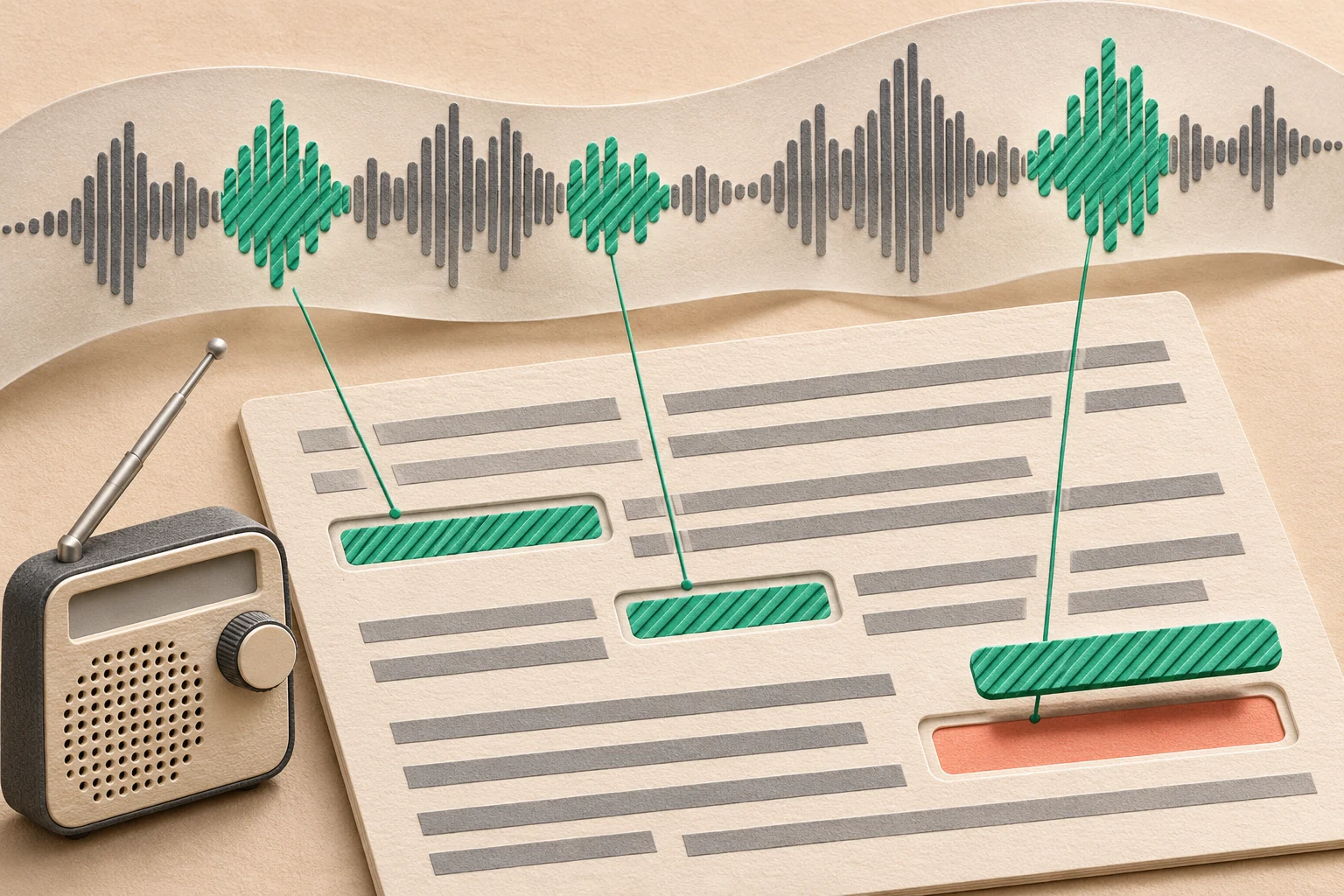
Fictional example: an instructor records a twelve-minute demonstration of a portable radio. The Russian narration means: “Now we switch on Seek mode. The screen will show Save preset. I will read the entire prompt: Press and hold to save.” Only the three embedded English phrases are spoken in English. The editor needs those phrases and their surrounding Russian sentences.
Before transcription, listen to the recording and make a record for each insert: its approximate position, the phrase heard, its language, and the associated explanation. Mark the return to Russian too. This establishes the expected content independently of the model’s future answer and helps reveal missing short passages.
You can check a displayed command’s spelling against the training interface mockup, but distinguish written content from spoken content. If the instructor reads only part of a prompt, do not complete the transcript using the remaining words on screen. Mark unclear passages for another listen.
Two example requests in SeaGenera
First illustrative request: model elevenlabs/scribe-v2, the demonstration audio file, and response_format set to verbose_json; omit the optional language field. This describes API parameters without code. In Playground, select the same model and an available response format. Neither example was submitted.
The second illustrative request uses the same file and format but sets language to ru. The developer describes the corresponding language_code parameter as a language hint. Neither configuration should be assumed more accurate beforehand: comparison should establish whether each preserves the English passages.
For a meaningful comparison, keep the file, preprocessing, and review rules unchanged. Do not introduce noise reduction or a different recording at the same time. SeaGenera’s documentation does not describe a text prompt for this method: use “preserve the English phrases” as an editorial acceptance rule rather than a promised request parameter.
Check each phrase and its surroundings
First match every reference record to the audio and resulting text. Distinguish preserved English, a Russian translation, English sounds written in Cyrillic, an omission, and an unintelligible result. For this task, translation and transliteration require correction even when readers can understand the general meaning.
Next, listen to the sentences before and after each insert. A correct Save preset does not establish that the instruction is correct: a nearby negation may have disappeared or the action may have changed. Also check that the final English word has not absorbed the beginning of the following Russian sentence.
Illustrative calculation: suppose six of eight previously marked inserts are preserved, one is translated, and one is omitted. The preservation rate is 6 out of 8, or 75%. These are hypothetical numbers. Record errors in the surrounding Russian separately: phrase preservation does not replace checking the complete instruction.
Prepare the working transcript
Correct the transcript against the recording while keeping the original response alongside it. For each change, record the position, previous text, correction, and supporting evidence. For example, replacing the Russian equivalent of “save the station” with the spoken Save preset restores the original phrase; it does not introduce a new recommendation for the instructor.
Add any translation for readers as a separate explanation after checking the original. The working material can then retain the English command and explain its meaning in Russian. Keep that explanation outside the verbatim quotation, so the next editor does not mistake an addition for the instructor’s speech.
Define acceptance beforehand: every required insert has been checked, surrounding actions are preserved, and disputed passages are explicitly marked. Capitalization and punctuation can follow one editorial rule. If you compared two requests, choose according to the corrections required and content preserved; listen to every passage where their outputs differ.
Available settings, limitations, and billing
The SeaGenera documentation snapshot dated November 14, 2026 describes audio uploads, optional language, and a detailed response. Timestamps can be requested through timestamp_granularities and are retained when returned by the provider. Otherwise, mark review positions manually. Live microphone transcription is not documented for this model card.
The supplied card contains no permitted provider_options list: this snapshot does not confirm terminology dictionary settings or a way to enable diarization through SeaGenera. Noise, accents, and overlapping voices call for especially careful listening. The model’s multilingual purpose alone does not guarantee preservation of a short phrase embedded in Russian speech.
The catalog specifies billing per audio second in rubles. In the example, twelve minutes is 720 seconds; two complete configurations submit 1,440 seconds of material. This estimates processing volume. Check the current rate in the model card and on /pricing, review the reserve before submission, and check the confirmed charge after completion.


