The task
Google: Gemini 3.8 Flash TTS converts prepared text into speech. The official page for this exact version confirms text input, audio output, and support for Russian and English. Use an approved script: questions within it become spoken lines, so the other participant’s answers need to be written beforehand.
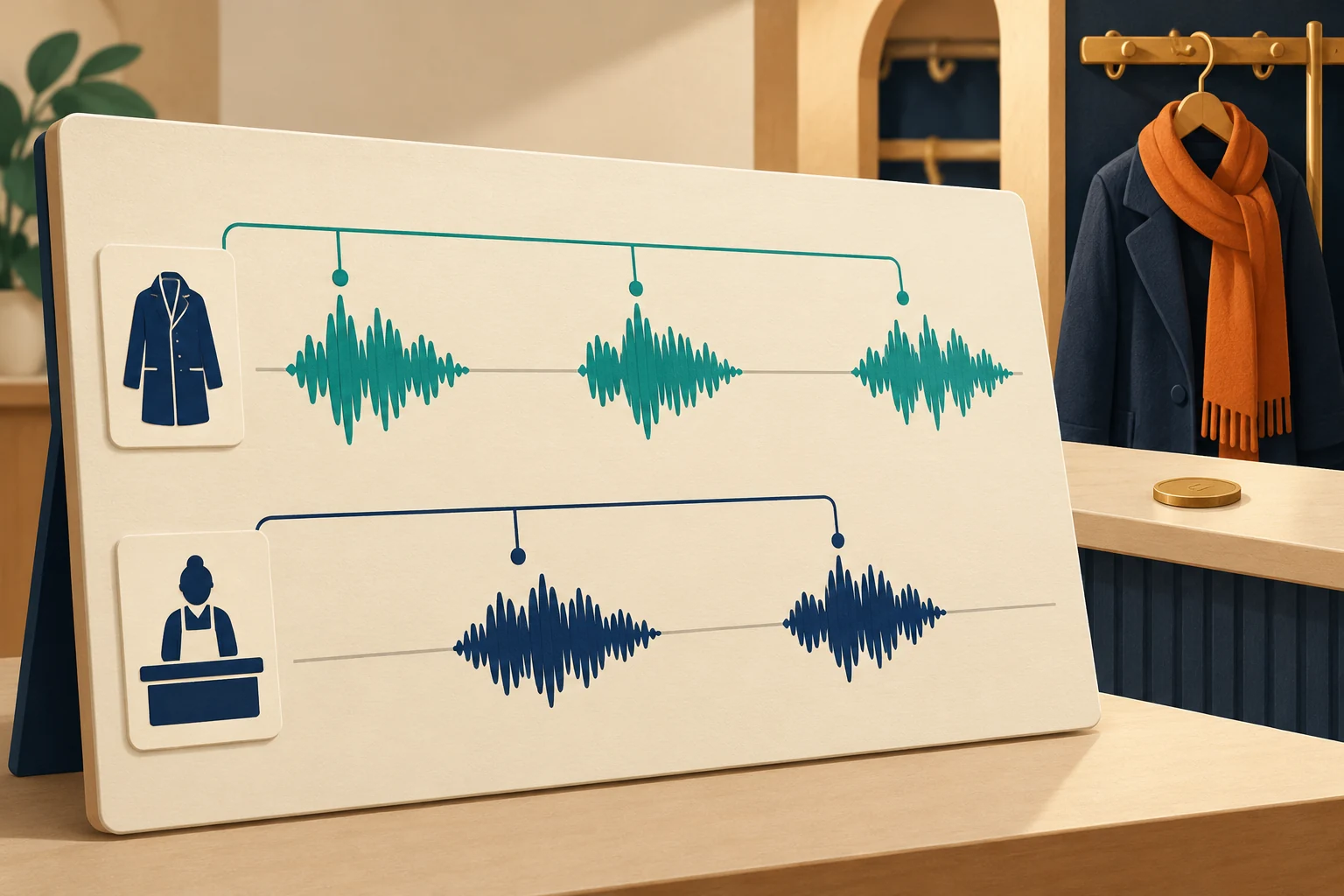
Consider a training scene for a coat-check attendant: a visitor has lost their claim token and asks how to collect their coat. The conversation can support a discussion of customer service. Listeners should distinguish the participants and understand the proposed action. All procedures in this scenario are fictional and do not replace an institution’s actual rules.
The practical result is a short file with two recognizable roles and the correct turn sequence. The same approach suits a language exercise, service rehearsal, or demonstration dialogue. The requests below are illustrative; no paid generations were performed for this review.
Define the roles and script first
Prepare a scene record containing the participants, turn order, exact text, and expected listener response. In our example, the visitor uses Puck and the attendant uses Kore. These identifiers are example choices, not a claim that they perfectly match the characters. When working with the recording, assess whether they sound sufficiently different.
The example script has five turns. Visitor: “I lost my claim token. Can I collect my coat?” Attendant: “Please go to the administrator’s desk.” Visitor: “It’s blue, with an orange scarf.” Attendant: “Thank you. Wait for the administrator at the desk.” Visitor: “All right, I’ll wait here.” The role labels explain the article’s structure; they are not part of the spoken text.
Assign a voice to every turn beforehand. When the visitor speaks again, the identifier should return to Puck, even if the character’s mood changes. This makes request preparation errors easier to catch: an accidental voice change can be corrected before submission, without judging the result’s artistic quality.
Available settings in SeaGenera
The SeaGenera catalog confirms availability in Playground and the API, a choice of 30 voices, and no voice cloning in this configuration. Start from the selected model’s card and save the voice assignments with the script.
The supplied SeaGenera documentation snapshot dated October 28, 2026 describes /v1/audio/speech and MP3 or PCM output. For Gemini TTS, input can be a list of turns with separate text, voice, and instructions fields. In Playground, enter that list through the additional JSON parameters. This requires structured preparation; role names in the ordinary text field do not replace it.
Google’s Gemini 3.8 TTS migration guide excludes temperature, topP, and topK. A separate speed control is not confirmed for this SeaGenera model card. Assess pacing from the finished recording and avoid promising an exact duration based solely on the request.
Two example requests
The first example request checks the voice pair using two turns. In the first input item, set text to “I lost my claim token. Can I collect my coat?” and voice to Puck. In the second, set text to “Please go to the administrator’s desk” and voice to Kore. Leave delivery instructions empty. This sample helps check voice distinction before preparing the full scene.
The second example request uses the complete five-turn script. Keep the assignment Puck, Kore, Puck, Kore, Puck. Example instructions for the visitor’s first turn: “slightly confused.” For both attendant turns: “calm and friendly.” Initially, leave the visitor’s remaining turns without additional directions. This is an illustrative setup whose output still needs listening review.
Google warns that delivery directions placed inside the text may be spoken aloud. Put “speak calmly” in instructions, keeping only the character’s words in text. Google’s documentation uses its own metadata structure; when working through SeaGenera, follow SeaGenera’s documented fields rather than copying the provider’s entire schema.
How to accept the finished scene
First, play the recording to someone without showing the script. Explain only the setting and participants. Ask them to identify the speaker in each of the five passages and explain what the visitor was asked to do. The example expects “visitor, attendant, visitor, attendant, visitor” and “wait for the administrator at the desk.” This tests understanding rather than vocal attractiveness.
Next, listen against the script. Check that all five turns are present, with no added words or spoken directions. Pay particular attention to returning voices in turns three, four, and five. Separately record clipped endings, abrupt volume changes, and pauses that make a reply sound like a continuation of someone else’s sentence.
An example acceptance rule requires every turn to be preserved, roles to be identified correctly, production directions to remain inaudible, and the next action to be clear. If listeners confuse the voice pair, change one voice and repeat the same check. If a particular line’s delivery causes trouble, first change only its instructions. Record the reason for every revision.
Limitations and pricing principles
Google’s guide limits a single multi-speaker request to two participants using prebuilt voices. Check the relevant mode separately before expanding this example to a larger cast. SeaGenera documents completed audio responses; streaming audio for this model is not confirmed. Expressive delivery also does not establish that the training procedure itself is correct.
For this model card, cost combines input volume at the input token rate and output volume at the output rate. Budget separately for the initial two-turn sample and subsequent versions. When evaluating the workflow, record spending across all attempts, including rejected ones: the accepted file’s production cost also depends on revisions.
Playground shows a reserve before submission; its unused portion is returned after the cost is confirmed. Check current rates in the model card and on /pricing. Keep the script, voice assignments, and delivery instructions beside the accepted file so that the scene can be prepared again with clear intent when it is revised.


