What to find in a mixed media archive
Google: Gemini Embedding 2 converts text, images, audio, video, and PDFs into numerical vectors in a shared space. An application uses these vectors to retrieve related materials across different media types. Google’s official model page confirms the stable identifier gemini-embedding-2; this review covers that exact version.
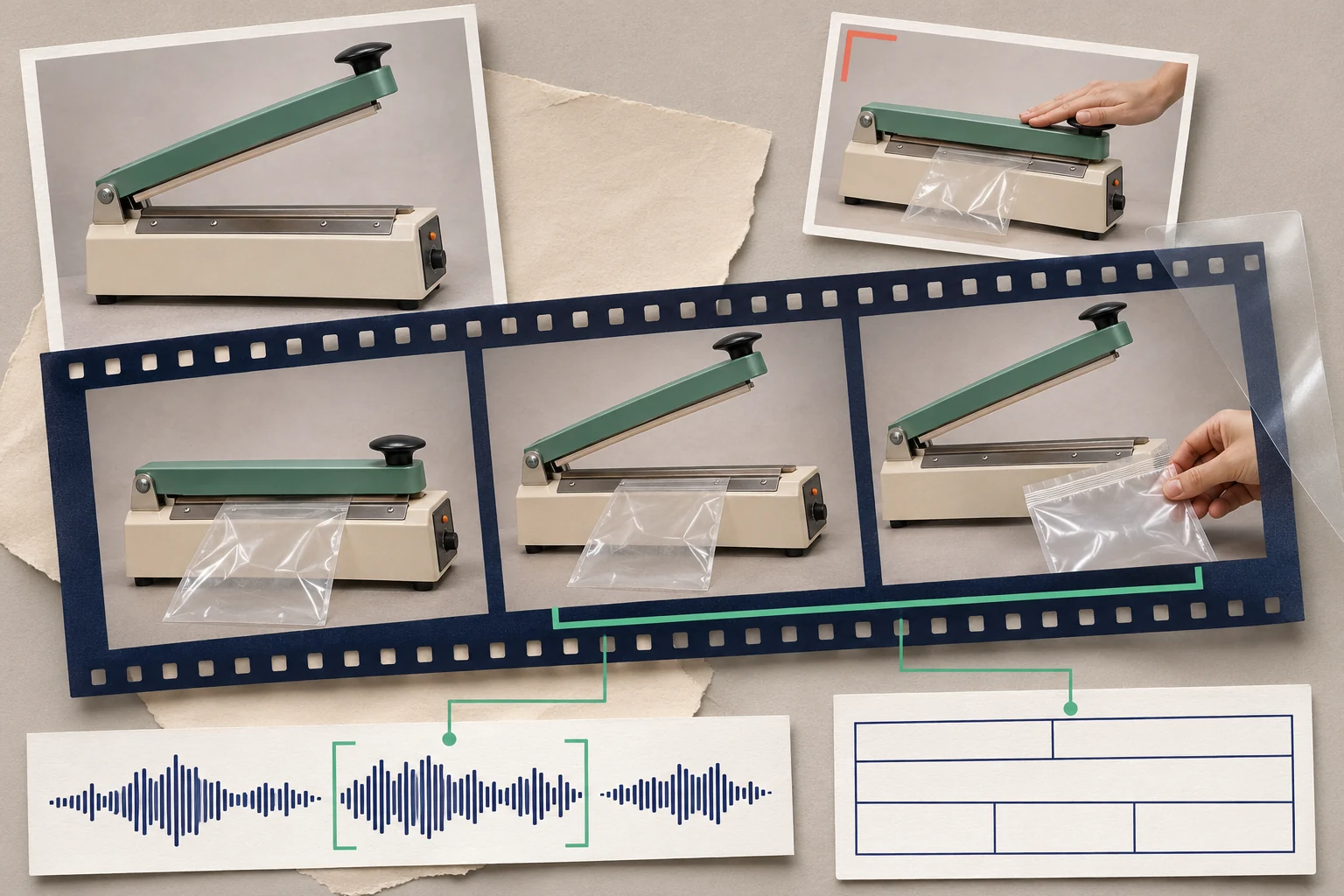
A fictional example: a workshop collects photographs, demonstration videos, and spoken explanations for a tabletop bag sealer. An editor needs the moment when an operator raises the clamping bar and removes a bag. Searching for the device’s name returns almost the entire archive, so the application needs to match content.
The useful output is a retrieval record containing the file identifier, a relevant excerpt, and the reason for selecting it. Every query, document, and number below is illustrative. This is a method for preparing and evaluating retrieval; no paid model requests were made for this article.
Give each vector a clear retrieval unit
For this example, define four units. V1 is the video interval from 00:12 to 00:20, showing the bar being raised and the bag removed. V2 is another interval showing the bar being lowered. I1 is a photograph of the open device. A1 is a spoken explanation of when to remove the bag. They share a subject but answer different questions.
Create a record for each unit: its identifier, source file, media type, excerpt boundaries, and a short description of observable content. Measure time from the original recording. If you submit a separately trimmed clip, preserve its offset; otherwise, locating those eight seconds within the full video will be difficult.
Google describes how several parts of one input can produce a combined vector. Decide beforehand which items must be independently retrievable. In this example, keeping the photograph and spoken explanation separate is useful. A combined representation might help retrieve the entire demonstration, but selecting a particular excerpt within it would require an additional method.
SeaGenera access and settings
In SeaGenera, use google/gemini-embedding-2 through /v1/embeddings: input contains text or content objects with attachments. Available settings are dimensions, encoding_format with float or base64, and input_type. The documentation snapshot does not specify this model’s input_type values, so leave that field unset for now. Playground and streaming are unavailable for embeddings.
Google’s documentation, checked on November 15, 2026, lists an input limit of 8,192 tokens and 128–3072 output dimensions; recommended sizes are 768, 1536, and 3072. For the illustrative project, you could select 768 and keep that choice fixed. Evaluate a larger size separately using the same questions.
After receiving a response, check the vector count against the intended retrieval units, each vector’s length, and its connection to the source record. For example, four independent units should retain four separate mappings. Store time boundaries in your own register: a numerical representation alone does not replace a navigation record.
Examples of text and image queries
For text retrieval, Google recommends expressing the task in the input text. An example query is: “task: search result | query: An operator raises a bag sealer’s clamping bar and removes the bag”. This content is used to obtain a query vector. The application then compares it with representations of the prepared materials.
An example standalone text record is: “title: Removing the bag | text: The operator raises the clamping bar and takes the bag off the table”. Use this description only after checking it against the source. An invented detail in a caption can make results appear convincing through their text even when the file contains no corresponding action.
A second example query is a photograph of the sealer with its bar raised, submitted as an independent image input. It helps search for a similar device and mechanism state; movement order is checked in the video afterward. If adding text to the image, describe the observable scene. Google advises against automatically carrying task instructions from text retrieval into mixed inputs.
How to verify retrieved excerpts
Prepare twelve text questions: four about visible details, four about movement, and four about spoken explanations. Manually identify acceptable materials before evaluating retrieval. For a question about raising the bar and removing a bag, photograph I1 shows only a state, while V2 demonstrates a different action. The reference answers must preserve that distinction.
For each question, inspect the first three results and record whether they include an excerpt previously judged acceptable. An illustrative calculation: 3 successful questions out of 4 about details, 4 out of 4 about movement, and 2 out of 4 about speech give 9 out of 12, or 75 percent. These are hypothetical numbers, not model measurements.
Also check navigation to the source: does the correct file open, and does the user reach the relevant interval? Include a question for which the archive contains no suitable material. High similarity to the nearest candidate does not establish that an answer exists: Google explicitly warns that similarity scores are not probabilities of correctness.
Limitations and billing principles
The Gemini API guide states that video inputs do not have their audio tracks processed. Prepare a separate audio excerpt when searching for a spoken explanation. Also, a similar object does not establish a particular action: a photograph of a raised bar does not prove that a bag was subsequently removed. Check the required event against the recording.
SeaGenera calculates charges in rubles per unit listed in the model card. Estimate text processing using input tokens; for media, confirm the unit in the card and on /pricing. A reservation can differ from the final charge. Repeated requests are billed separately. Do not treat a rate for one processing unit as the price of an entire archive.
Before running requests, list which materials need initial processing, which queries need evaluation, and which saved vectors remain usable for comparisons. Start with a small, agreed collection. A source register lets you investigate errors at the file, excerpt, or query wording level before submitting the material again.


