What to ask Kimi K3 to do
Moonshot AI describes Kimi K3 as a model for coding, knowledge work, and reasoning that understands text, images, and video. Its official model card lists a context window of about one million tokens. That capacity makes joint analysis of a recording and accompanying notes worth considering, but does not establish observational accuracy.
In SeaGenera, the model is available through Playground and the API, with text output. One practical task is drafting instructions from an assembly demonstration. The approach can also help with packing guides and training materials where action order matters.
The example below is fictional, rather than a paid generation result. SeaGenera rules were checked against the supplied /docs and /docs.js snapshot dated November 5, 2026.
Prepare the recording and task boundaries
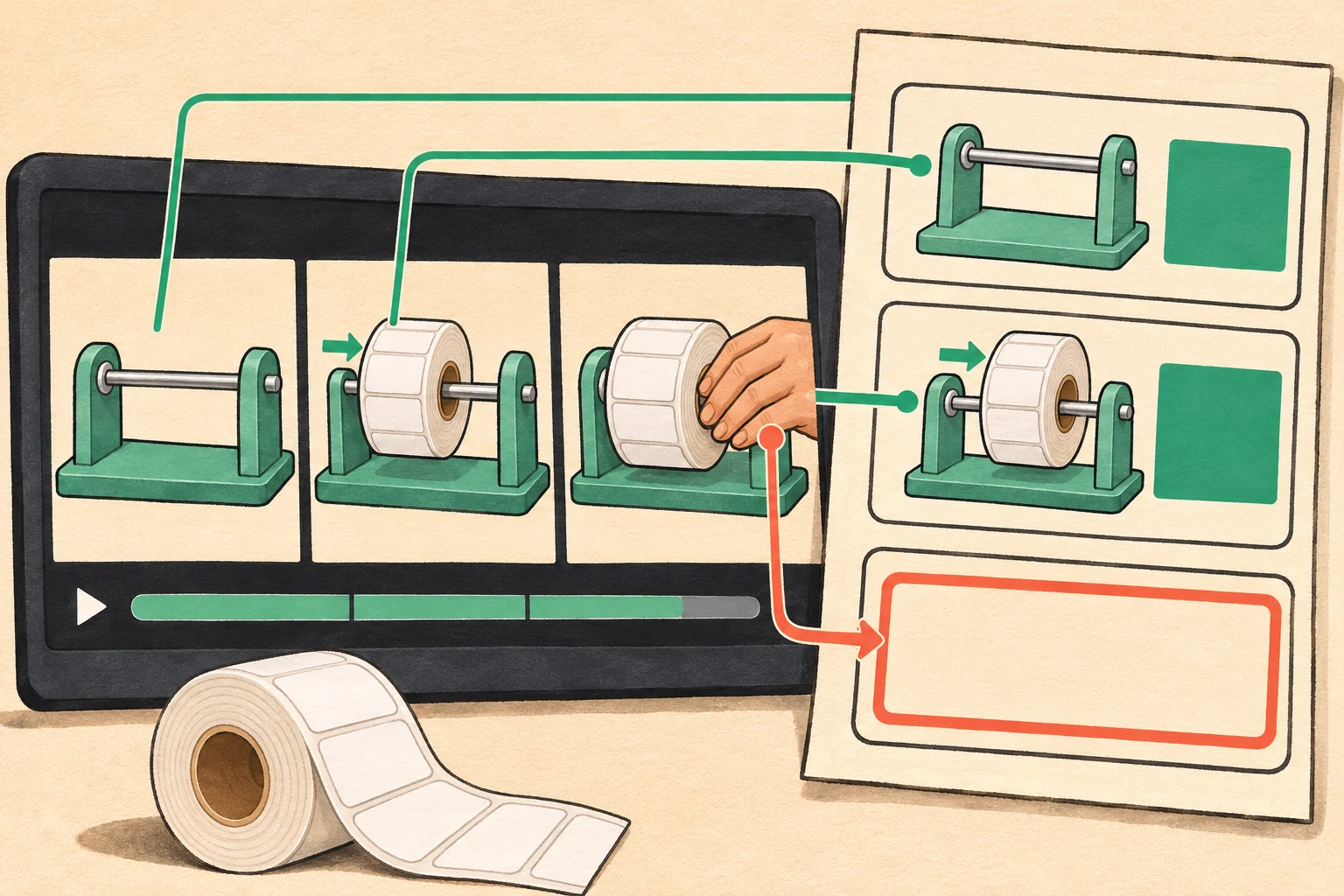
The illustrative example uses a 45-second assembly video of a label roll holder. A demonstrator installs the axle, slides on the roll, and moves a retaining collar into position. A hand obscures the final movement. A separate note says to remove the collar before replacing the roll, without explaining its fastening method.
Before asking the model, define the part names and the instructions’ intended purpose. Preserve the original recording at its original speed. If you make a short working copy, record its offset from the original so that passages remain easy to locate. Specify which information may come from the note.
SeaGenera documentation provides video attachments through video_url. Start with one short sequence. If you use images instead, number them and preserve their order: individual frames show states but may conceal the movement between them.
Two prompts: observation and instructions
First example prompt: “Analyze the attached holder assembly demonstration. For each visible action, identify the part, action, and resulting state. Give an approximate recording interval if you can determine it; otherwise state that timing is unavailable. List movements obscured by the hand separately. Do not reconstruct them from how similar products usually work.”
Check this observation record first. Under the example’s conditions, the visible movement of the collar does not prove that the demonstrator tightened a screw or engaged a latch. “Move the collar into position” and “secure the roll” need different supporting evidence.
Second example prompt: “Use the checked record to draft instructions for a beginner. For each step, give the starting position, action, and observable resulting state. Identify information taken from the note separately. Leave a question for the demonstrator about the hidden fastening action. Add no tools or tightening forces.” Use this after manually reviewing the first response.
How to accept the result
Open the original video beside the draft. For every step, locate the action’s beginning and its resulting state. Check the model’s proposed intervals manually. Correct any timestamp that points to a neighboring action; confident wording does not replace agreement with the recording.
Next, check transitions: can the following step start from the state produced by the previous one? In this example, the instructions must explain the axle and roll positions before collar installation. “Assemble the holder” gives a beginner insufficient information to repeat the process.
Keep a separate list of unsupported operations. If the text says to rotate the collar while the recording only shows a hand covering it, return that point for clarification. After revision, ask a colleague to follow the instructions using a safe training mockup. Record where they must guess a movement or part position.
SeaGenera settings and boundaries
SeaGenera’s API uses chat at /v1/chat/completions. For this small example, max_tokens 4096 is a possible trial budget covering the response and reasoning. It is a suggested setting, rather than a required minimum: if output stops early, first identify which part is missing.
Kimi K3 supports reasoning_effort values low, high, and max; the developer specifies max as the default. There is a discrepancy: the catalog marks reasoning as optional, while the official README says it is always enabled. Do not count on disabling it. High is a possible setting for the illustrative attempt, without guaranteeing quality.
SeaGenera documentation requires masking to be disabled for attachments; a key enforcing masking will reject the request. Client applications execute tools. Ordinary text output is sufficient here: the model does not create a new video or perform the assembly in this workflow.
For multi-turn work, the developer requires complete assistant messages, including returned reasoning and tool-call fields, to be preserved. Check your client’s handling of this history separately. Independent requests containing the verified observation record are a simpler starting point.
Cost and when another recording is needed
SeaGenera rates are in rubles per unit. This model’s catalog lists input tokens, output tokens, and cache reads separately. Check current rates in the model card and on /pricing. Review the reserve before submitting; the final charge follows the confirmed cost.
For attachments, the reserve may substantially exceed the final charge. Start with one complete sequence and a short observation record. Another model review creates a new generation; manually checking the existing text helps establish whether another request is needed.
A large context window cannot reveal a mechanism hidden by a hand. If fastening is invisible, request an additional close-up or a precise explanation from the demonstrator. Supply spoken explanations as verified text: video support alone does not establish audio recognition. Publish once the gaps are resolved, rather than once the draft reads smoothly.


