Define the deliverable
Google: Nano Banana Pro (Gemini 3 Pro Image) generates and edits images. Google lists product mockups and text rendering among its uses. We will examine one specific task: replacing Russian wording on a box with English while preserving the packaging photograph. The deliverable is a checked image for design approval.
Our fictional example is an educational sundial kit box with three inscriptions: «Солнечные часы», «8 деталей», and «Соберите сами». This workflow suits comparing language versions of packaging or preparing a presentation. This is a method, not a test report: no paid generations were performed, and the prompts are illustrative.
Prepare the replacement list
First prepare the replacement list independently of the image. For this example, approve these pairs: «Солнечные часы» to «Sundial kit»; «8 деталей» to «8 parts»; «Соберите сами» to «Assemble it yourself». The product owner confirms their meaning and the kit’s contents. Give the model approved wording so that fitting the text does not turn into inventing product features.
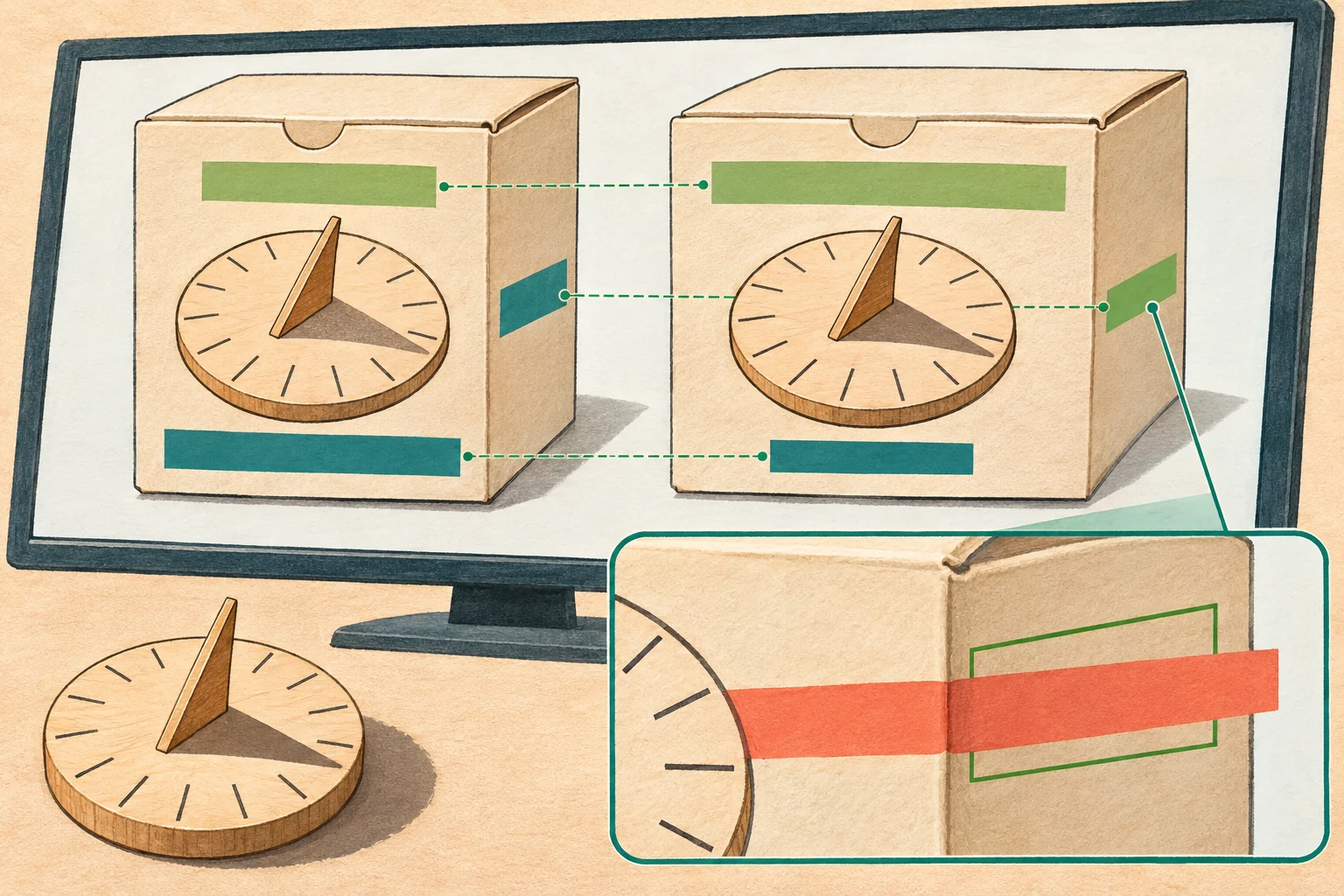
Record a location for each pair: the product name at the top of the front face, the quantity below, and the instruction on the side. Separately note what must stay: the illustrated circular dial, triangular shadow pointer, and eight parts in the diagram. Clarify any illegible line using the original artwork before editing; otherwise, there is no reliable reference for checking it.
Choose the available SeaGenera settings
SeaGenera’s model card lists 1K, 2K, and 4K resolutions, one image per request, and up to 14 reference images. Choose an aspect ratio from the card; options include 1:1, 3:2, and 16:9. For our example, use one source image, 2K, and 3:2 if that matches the source photograph.
The SeaGenera documentation snapshot dated November 17, 2026 confirms reference images and conversational editing with supplied history. Image streaming is disabled for this model. A separate region mask is not documented for the image API: describe the location in words. The supported_parameters list does not automatically make every parameter available in the image form.
Two example prompts
Example first request: «Prepare an English version of the box image using the attached photograph. Replace only these inscriptions: Солнечные часы with Sundial kit, 8 деталей with 8 parts, and Соберите сами with Assemble it yourself. Keep them on the same faces. The name may use two lines. Preserve the viewpoint, folds, shadow, sundial illustration, and diagram of eight parts. Add no other inscriptions».
Example correction request: «Place Assemble it yourself on two lines within its existing field on the side face. Preserve the other two English inscriptions, illustration, and box geometry». For an independent attempt, attach the original and the complete replacement list; for a continuation, supply the history with the image. This makes the intended version explicit.
Check the inscriptions and the object
Check the text and the object separately. First, without looking at the replacement list, transcribe every visible inscription from the finished image. Then compare your transcription with the approved strings character by character. Check the number 8, any remaining Russian fragments, and whether each line belongs on that face. Text recognition can help, but decide by inspecting the image.
Next compare the source and result at the same size. Toggling between them or using a translucent overlay helps reveal a moved fold or altered illustration. In our example, a missing diagram part, a different pointer shape, or wording crossing an edge is a rejection reason. Correct English does not compensate for these changes; assess them separately.
Check reduced size and define the limits
Also open the file at its intended display size: lettering that looks clear when enlarged may be unreadable in a product card. Ask another person to identify the product and part count without hints. If they read «3» instead of «8», reject the version despite its attractive composition. This is an example acceptance rule, not a reported test result.
Generative replacement does not guarantee an exact font, unchanged pixels, or editable text layers. A higher resolution does not establish that the letters are correct. For strict typography or print production, use the model to approve the appearance, then set the final wording in an editor. After any such change, repeat the text and display size checks.
How to account for cost
Cost comprises input processing, the output image, and other billed request components. Reasoning is mandatory for this model. Google’s output image token usage depends on resolution. SeaGenera’s model card estimate covers one 1:1 image; text, reasoning, and references are accounted for separately. Check current ruble rates and billing units in the model card and on /pricing.
Playground shows a reserve before submission; the final charge is reconciled after generation and the unused reserve is returned. To compare versions, record the settings, attempt count, and confirmed cost of the entire job. Each new generation is billed separately. If the source artwork has an editable text layer, first consider replacing the wording directly: generation may add an unnecessary step.


