What this model is suited to
Qwen: Qwen-Audio-3.0-TTS Plus turns supplied text into speech. Suitable uses include recorded greetings, short information messages, and voice menus. For a menu, usefulness depends on a concrete action: can listeners identify which key to choose for their question?
The developer’s technical report explicitly connects the Qwen-Audio-3.0-TTS-Plus label with the system it describes. The authors cover synthesis in 16 languages, including Russian and English. This provides a basis for considering the model for those scripts, while each voice’s quality in the required language needs separate verification.
We will use a fictional folding table rental service. The practical deliverable is an approved menu script and a listening test record. All scripts and test situations below are illustrative examples. No paid generations were performed for this article, and no actual listening test results are reported.
Define what each option means first
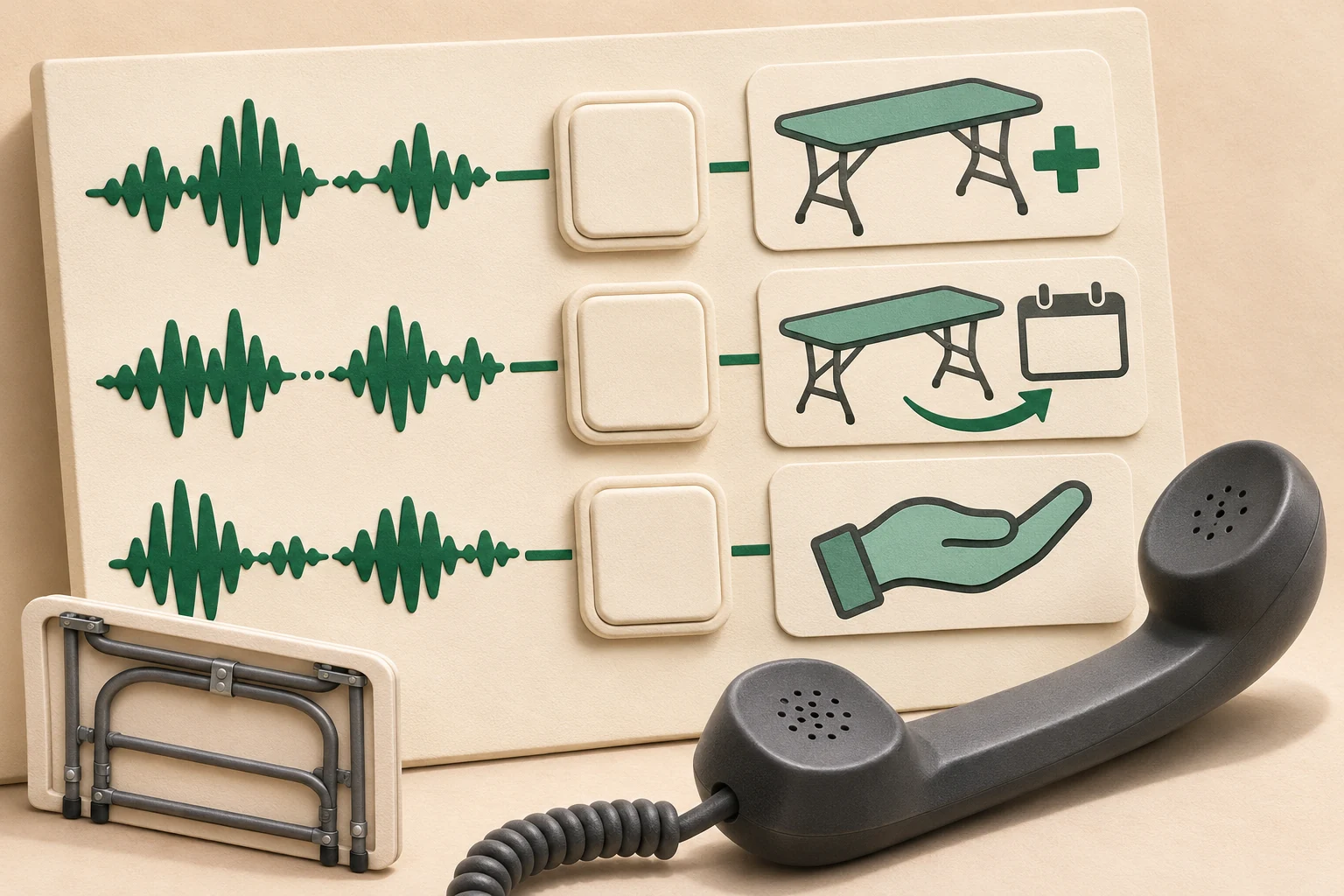
In our example, key one is for a new rental, two is for extending a current rental, and zero is for other questions. Record these mappings before synthesis. They provide a reference against which listeners’ decisions can be checked, even if the menu wording changes later.
Prepare six situation cards. Examples for the first option are renting a table for Saturday and renting two tables for Sunday. For the second, use keeping an issued table for another day and extending a current rental through the weekend. Delivery changes and damage discussions go to a staff member through zero.
First, ask a colleague to read the script and assign the cards without audio. If they hesitate, revise the option descriptions. This preliminary check detects overlapping meanings: changing the voice cannot resolve a sentence that allows two possible routes.
Two example synthesis inputs
Example first input: “To arrange a new table rental, press one. To extend your current rental, press two. For other questions, press zero.” Each condition shares a sentence with its key. This is a starting version for evaluation, rather than a promise of particular intonation.
Example second input: “New table rental. Press one. Extending your current rental. Press two. Another question. Press zero.” The shorter sentences let you test a different message structure. Punctuation organizes the text, but it does not guarantee pauses of a particular duration.
Put only the approved script into the speech input. “Create a convenient menu” is an editorial task, while this mode requires text to read aloud. Keep the voice and file format identical when comparing versions: establish the effect of wording first, then consider a voice change separately.
Settings available in SeaGenera
According to the catalog and documentation snapshot dated November 9, 2026, the model is available in SeaGenera Playground and API. The catalog lists two voices: longanlingxin and longanlufeng. Their names alone do not establish their timbre, accent, or suitability for a Russian menu.
The /v1/audio/speech method accepts input text, a voice, and response_format set to mp3 or pcm. The audio method returns a completed result; streaming speech delivery is not documented here. MP3 is a convenient starting format for ordinary playback of the example.
The original system’s official demonstration page includes control over speech delivery. However, speed and separate instructions are not declared settings for the selected SeaGenera configuration. Do not treat demonstration tags as a supported control mechanism. Voice cloning is not supported in this configuration.
How to test the listener’s choice
When subsequently evaluating generated audio, show the listener only a situation card. Hide the script and correct key. After playback, ask them to name their choice and explain the option in their own words. Record their first answer, hesitation, and whether another listen was needed.
Count correct answers separately for new rentals, extensions, and other questions. Illustrative scoring example: five correct decisions out of six could conceal a single error specifically on extensions. The overall rate does not explain which sentence needs revision. This is an analysis example, not an observed model result.
Example internal pilot rule: all six situations must receive the correct route without prompting; hesitation requires investigation. Use different listeners to compare the two scripts and reduce the effect of memorization. A small check can reveal specific problems, but it cannot establish clarity for the entire audience.
Limitations, release, and pricing principles
The model produces a menu recording; configuring call routing remains the telephone system’s job. Before release, check the file through its intended playback path, since the connection and equipment can affect audibility. Confirm that the message opening and each option’s final words remain fully audible.
SeaGenera’s catalog bills this model by characters. The calculation uses the billable character count and the current ruble rate per character. Budget separately for a short sample, the chosen version, and any new synthesis. Check current pricing in the model card and on /pricing.
Check the reserve in Playground before submission and the confirmed charge afterward. If pricing is still being reconciled, the absence of a final amount does not mean generation was free. Keep the script, selected voice, finished file, and listener comments together; after editing the text, repeat checks for the affected options.


