What is confirmed about the 0902 snapshot
Qwen: Qwen3.8 Max (0902) appears in SeaGenera’s catalog as qwen/qwen3.8-max-0902. OpenRouter describes it as an updated snapshot of Qwen3.8 Max from Alibaba’s Qwen team, targeting coding and multistep work among other tasks. It lists a one-million-token context window and text output. Sources for this review were checked on October 19, 2026.
Qwen also names this exact version in RecreationWorld results, where evaluation involves an agent environment and separate tools. Those results cannot automatically be transferred to ordinary chat. The following is an independent method for working with a brief. Every example is illustrative; no paid generations were performed for this article.
Which workflow is available in SeaGenera
Qwen-MM-Plugins documentation explicitly gives this ID as an example for video input. However, SeaGenera’s supplied /docs snapshot dated October 19, 2026 accepts content as a string; images, files, and tool calls are not accepted. Video input and tool execution are therefore unavailable through SeaGenera’s text API for this workflow.
A practical text Playground task is drafting an action plan: organizing a workshop, producing materials, or manually checking a website from a supplied description. The /docs.js table limits combined message text to 64 KB; the model’s large context window does not expand that limit. Choose a small, complete process where you can independently check every transition between tasks.
Prepare a brief with testable constraints
Before prompting, record the workload, deadline, staff availability, operation durations, and starting conditions. Prefer durations from your own working estimates. If a duration is unknown, ask the model to flag the gap rather than invent a convenient number. Specify which proposed decisions require approval.
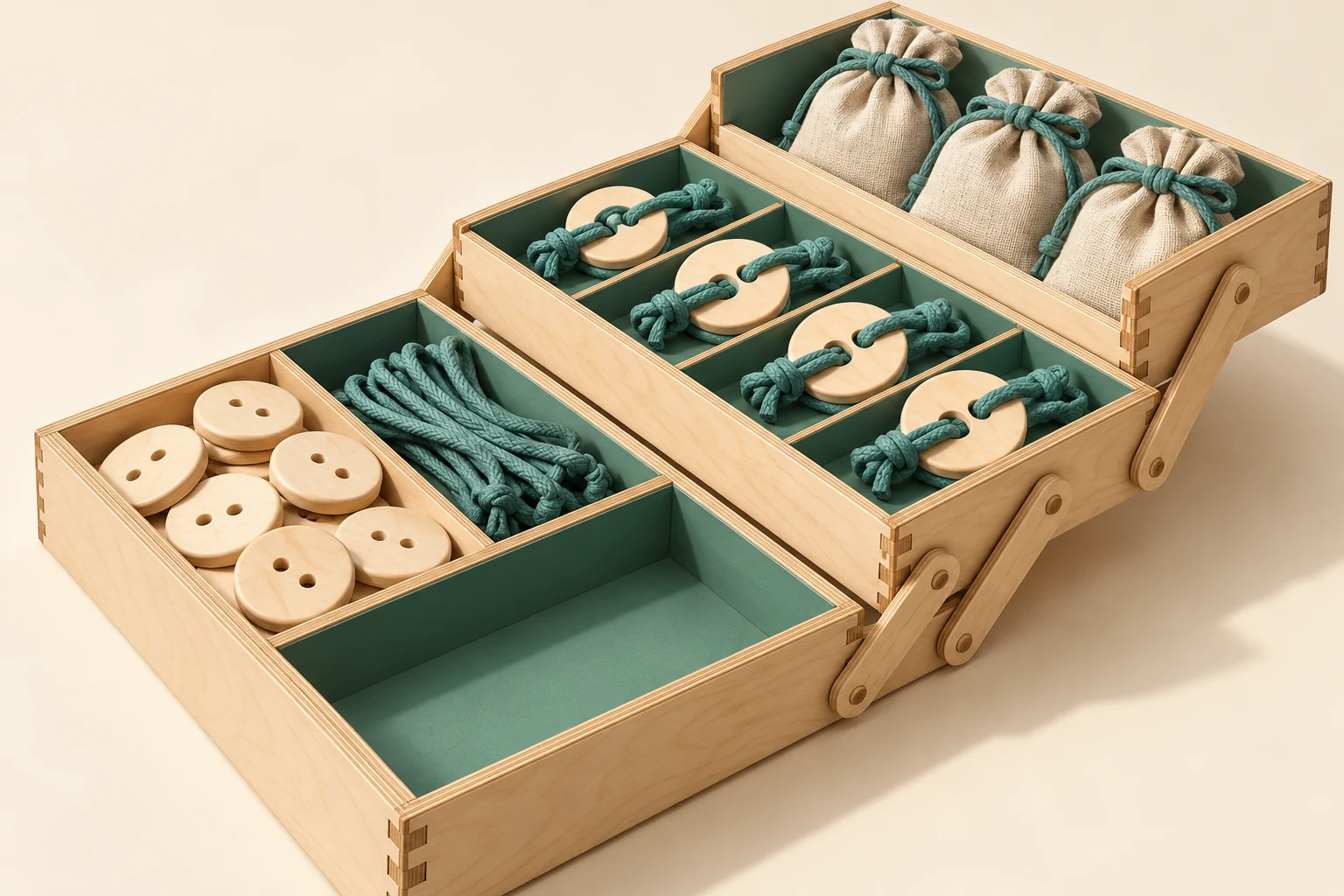
Illustrative example: 60 workshop kits are needed by Friday, 16:00. Twenty are assembled. Parts for the remaining forty arrive Thursday at 12:00. Assembly takes four hours. A combined inspection of all sixty takes another two hours and starts only after assembly finishes. One employee performs both operations, available Thursday from 12:00 to 18:00 and Friday from 10:00 to 12:00.
Add these conditions: instructions are already printed, no other mandatory operations remain, and overtime is prohibited. These details close obvious loopholes. Otherwise, the model might add printing, propose another employee, or quietly extend the working day. The required plan must fit the stated conditions.
Request a sequence with dependencies
Example prompt following the brief: “Create a feasible kit preparation plan. Give each operation’s start, finish, worker, and starting condition. Use only the supplied durations and working intervals. Separately identify spare time within the employee’s availability. If information is missing or the deadline is impossible, explain why and ask a question. Do not add workers or overtime. Answer in short paragraphs.”
A valid illustrative schedule would place assembly on Thursday from 12:00 to 16:00 and inspection from 16:00 to 18:00. Friday’s 10:00–12:00 interval remains available as a buffer. This is an example schedule, not a model response. The entire period until Friday, 16:00 cannot count as working buffer: availability is restricted to the stated hours.
Check the plan and change one condition
Check the arithmetic first: twenty existing kits plus forty new ones make sixty. Four hours of assembly and two of inspection fill Thursday’s six-hour interval. Then trace dependencies: assembly follows delivery, and combined inspection follows completed assembly. One employee cannot perform both operations simultaneously.
Example control prompt: “In the same brief, move parts delivery to Friday, 11:00. Keep every other condition unchanged. Explain whether a feasible plan exists and identify the constraint.” The correct conclusion changes: only one hour remains before the employee’s availability ends, insufficient even for four hours of assembly.
If the model still proposes completion on time, identify the specific violation: work outside availability, another worker, or a shortened duration. A correction must name the condition to change and require approval. Asking the model to check itself can provide another pass, but independently compare the final decision with the original constraints.
Settings: reasoning effort and response length
SeaGenera’s catalog marks reasoning as mandatory for this model. The default is xhigh; listed levels are minimal, low, medium, high, and xhigh. You could choose medium for the illustrative trial. This selects effort, without promising sufficient accuracy. Save the setting alongside the brief to document the conditions of another run.
The supplied /docs.js table gives max_tokens a range of 1–4096 and a default of 1024, including reasoning. First constrain the desired result in words: a few operations and a short explanation, for example. A truncated response cannot be accepted as a completed plan. Reduce the task or reconsider the limit before another attempt.
In the API, effort belongs inside reasoning; do not combine that object with reasoning_effort and include_reasoning. Do not automatically copy other supported_parameters from the catalog. When checking the plan, change one brief condition at a time while keeping other settings fixed, making its response to a meaningful change easier to assess.
Pricing and the limits of a useful result
SeaGenera has separate ruble rates per input and output token. A preliminary estimate multiplies each volume by its rate and adds them. Check current prices in the model card and on /pricing. An amount is reserved before generation; the unused portion is returned after cost confirmation. Account for every additional generation separately.
The useful outcome is a checked draft sequence with explicit starting conditions and identified obstacles. It does not confirm actual delivery or completed kits. If the supplied durations are inaccurate, even a tidy schedule remains unreliable. Clarify the inputs with the worker, approve changes, and only then use the plan operationally.


