First define what you want the AI to do
Before asking AI to draft a customer reply, identify which information it actually needs. A message about replacing a product benefits from a description of the problem and the customer's availability. A phone number, home address, and full signature may have no bearing on the wording.
The W3C Privacy Principles recommend limiting transferred data to what is necessary for the purpose. We can apply that principle here by defining the intended result first, then preparing a separate copy of the email. The original stays in its usual work storage and does not enter the request.
The following is an editorial method for short texts. It produces a prepared copy, a separate replacement map, and a check that the meaning survives. Comparison with the original is manual; there is no need to send the original email to the model for this check.
Choose an action for each passage
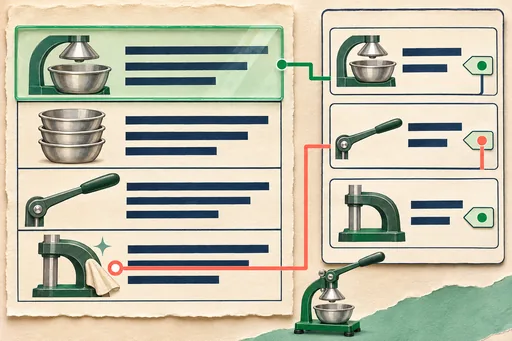
Read the email and assign each significant passage an action: remove it, replace it with a label, generalize it, or keep it. For example, remove a signature, replace a name with a role, generalize a precise location, and retain the number of damaged items. The action depends on the task, so identical fields do not always need identical treatment.
NIST SP 800-188 distinguishes direct identifiers from indirect characteristics that can help identify someone when information is combined. Check unusual descriptions too. For example, the name of the only workshop in a small village might be recognizable even without its owner's name.
In a separate map, assign one consistent label to each participant and object. Calling two people simply the customer loses the distinction between buyer and recipient. Preserve the precision needed for timing. If the reply depends on a particular day, replacing its date with soon will damage the task.
Example: an email about a damaged order
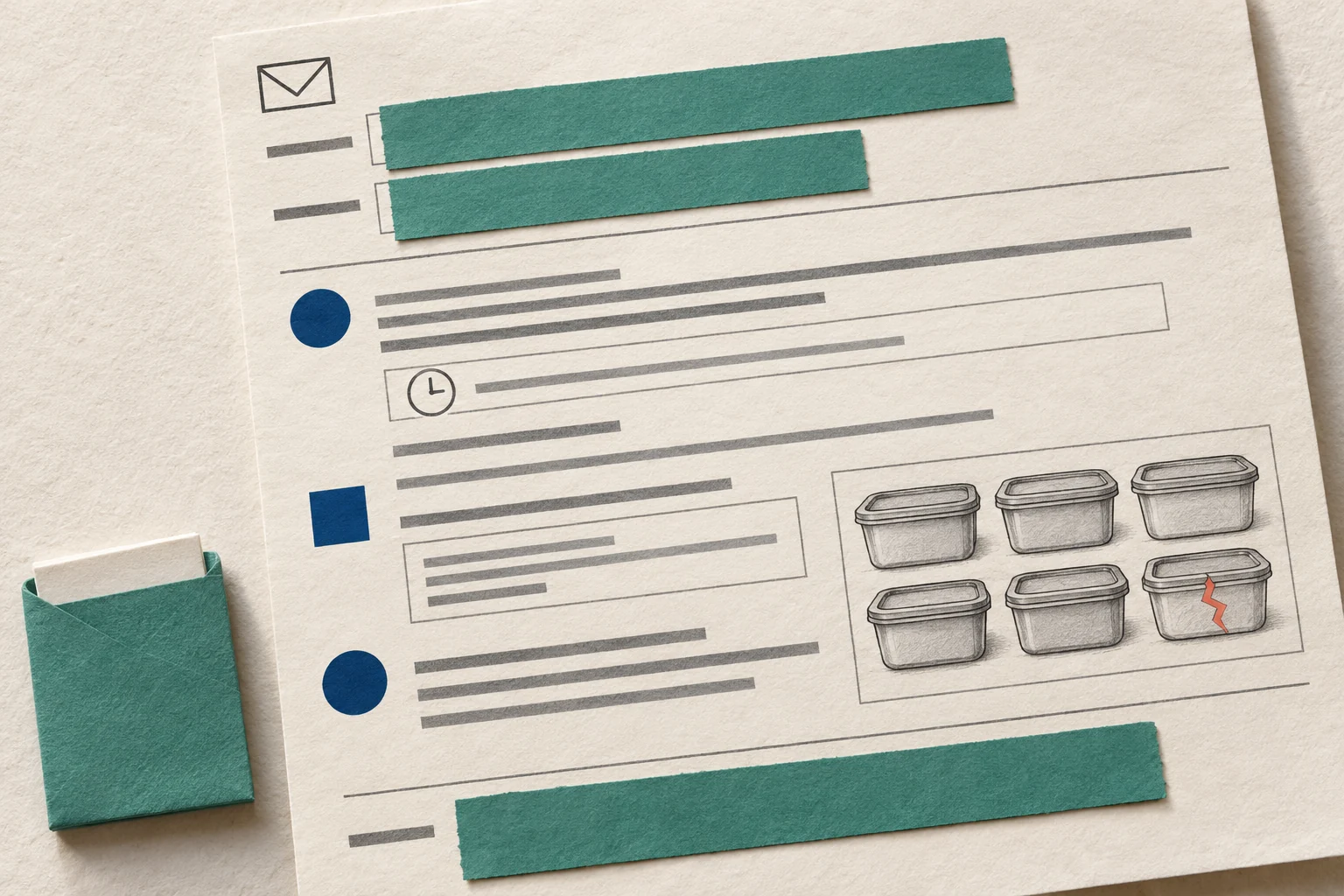
This is an illustrative example; all names and circumstances are fictional. The original email says: “I, Olga Belova, received order 7421. One of the six containers is cracked. My colleague Pavel Orlov can collect the replacement two days after your reply, after 4 p.m. If that is impossible, suggest another day. I do not want a refund for now.”
The prepared copy reads: “One of the six containers in customer A's order X is cracked. Colleague B can collect the replacement two days after the reply, after 4 p.m. If that is impossible, suggest another day. The customer does not want a refund for now.” The map linking names and the order number to their labels stays separate from the request.
Suppose the original signature also contained a phone number, home address, and workshop name. Remove those details for this drafting task. The model's instruction could request a polite reply that preserves the labels, checks whether replacement is possible, and does not promise confirmed collection. Stock availability is unknown in this example.
Check remaining information and meaning separately
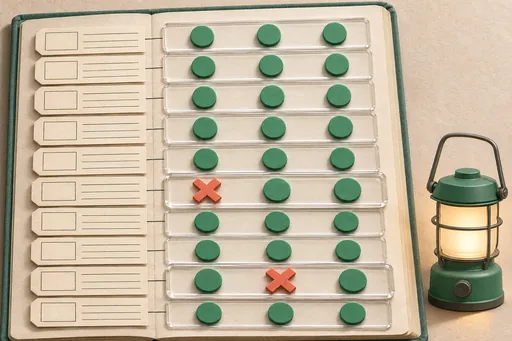
The first pass checks remaining data. Inspect the subject line, signature, quoted correspondence, and the request itself. Find every original name and number marked for replacement. Then read the whole text: a recognizable description of a place or event may appear outside the usual fields.
The second pass checks meaning. Using the original and the prepared copy separately, answer these questions: what is damaged, how many items are affected, who will collect the replacement, when can they come, what is the fallback action, and is a refund wanted? The answers should match in substance.
You can ask a colleague to answer those questions using only the prepared copy, then manually compare their answers with the original. If participants are confused, a time restriction disappears, or a condition becomes a promise, correct the copy before submission. The correction should preserve meaning without restoring unnecessary identifiers.
Account for the limits of automatic masking
An automatic check may help find omissions, but its output also needs review. Presidio's documentation explicitly describes two kinds of error: sensitive information can go undetected, while ordinary values can be incorrectly selected for replacement. Check that useful numbers and names remain intact too.
According to SeaGenera's documentation, text request masking uses patterns and may miss data or replace too much. It does not process images, video, audio, or PDFs. Preparing the ordinary text does not mean an attached document has received the same cleaning.
Also account for value restoration: if the model returns SeaGenera's temporary labels unchanged, the service inserts the original values into the response. Review the finished draft separately. Your own labels in a copy prepared beforehand let you work without sending the model the replacement map.
Restore necessary details after reviewing the draft
When the reply arrives, first check it against the email's conditions. In our example, the model must not turn the preferred collection time into a confirmed appointment or present a refund as an already chosen solution. Only then manually restore necessary forms of address and the order number in your own work environment.
Read the resulting text again. Replacing labels may require changes to grammatical case, forms of address, or word agreement. Also check that one participant's details have not entered a sentence about someone else. The replacement map restores relationships, so keep it separate from the copy you submit.
This check concerns a specific email and does not prove that identifying the person is impossible. If the task requires an exact address or personal circumstances, simple removal may make it unworkable. For work on style alone, prepare a wholly fictional example. Record the purpose, replacements, and preserved conditions so the next copy can be checked using the same rules.