Define the event the viewer should understand
In a short AI video, viewers need to follow one event: an object moves, a package opens, or someone enters a room. If an object changes position between shots or the result of an action disappears, attractive clips stop forming a story. Start with one sentence describing what should change by the end.
Here, a shot means an uninterrupted segment between editing cuts. For a first exercise, three shots offer a useful structure: establish the situation, perform the action, and show the result. This is a working arrangement; choose the number of shots and their duration to suit the task.
Checking object states is useful even when the imagery looks convincing. OpenAI’s Sora report dated February 15, 2024 describes errors in physical interactions and changes to object states. Those observations concern the system studied at that time; check a particular generator’s present capabilities using your own material.
Record the state at each shot boundary
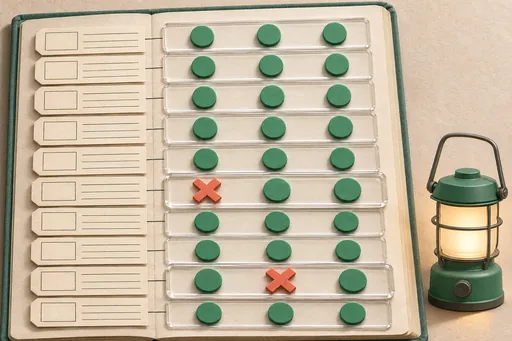
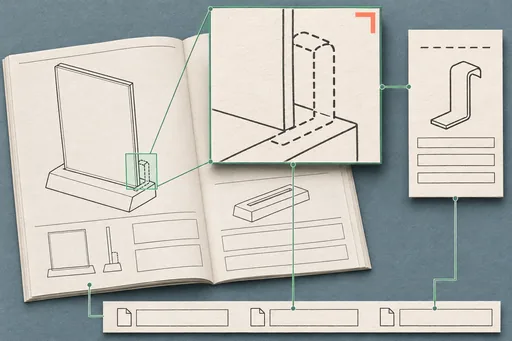
Create a short record for each shot. Note its purpose, planned duration, opening object positions, single main action, and closing state. Add the direction of movement on screen and the point where the next shot should pick up the event. Together, these records form an editing plan.
Separately identify the features that should remain stable: object count, the main object’s shape, a distinctive clothing detail, or a fixed support’s location. Record permitted changes alongside them. For example, an object can approach the camera and appear larger, while the story provides no reason for another copy to appear.
For continuous action, one shot’s ending should agree with the next shot’s opening in position, contact, and movement phase. If time passes between them, record that gap beforehand. An object coming to rest after a cut can then be an intentional transition rather than accidentally missing movement.
Illustrative example: a boat across three shots
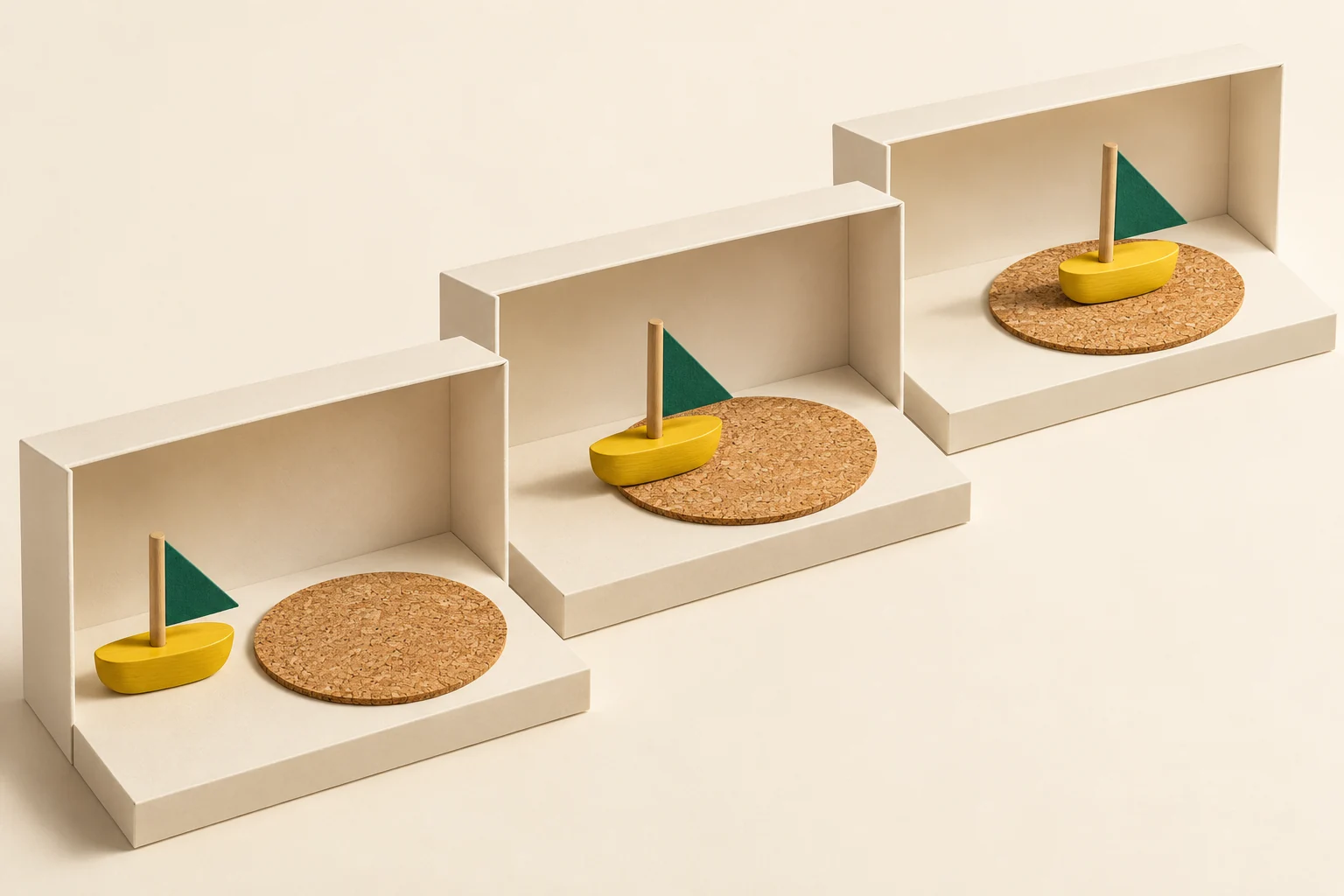
Illustrative example: a twelve-second video shows a yellow wooden toy boat with one dark green sail being moved onto a round cork mat. The first shot runs from zero to three seconds. The boat stands on the left, with the thin mat on the right. At the end, a hand touches the stern, but the boat remains stationary.
The second shot runs from three to eight seconds and shows the action more closely. It begins with the same contact between hand and stern. The hand moves the boat from left to right. By the end, the boat is entirely on the mat and has stopped; the hand remains near the stern.
The third shot runs from eight to twelve seconds. A wider view shows the same outcome: the boat rests on the mat, and its former position is empty. The hand withdraws while the boat stays still. These intervals illustrate an editing intention rather than a generator’s stated capabilities; the source clips may need trimming.
Assemble and check the two cuts first
Assemble a rough sequence using straight cuts in an available video editor. For each transition, compare the last frame used from the first clip with the first frame used from the next. Check the selected editing points: the original files’ beginnings and endings may fall outside the finished video.
At the example’s first cut, check where the hand touches, which way the bow points, and the mat’s position relative to the boat. At the second, check the completed movement, the stop, and the hand’s position. An apparent size increase with a closer view is acceptable; a jump relative to the mat needs explanation or correction.
Then watch a short stretch before and after each cut at normal speed. Two compatible still frames cannot establish continuity: movement between them might repeat, suddenly accelerate, or reverse. For this exercise, keep the camera on one side of the action so that screen direction remains clear.
Check appearance, movement, and meaning separately
The VBench study treats consistent subject appearance, motion smoothness, and temporal flickering as separate aspects of video quality. This provides a useful viewing reference. The manual review proposed here uses that distinction, but it does not calculate VBench scores or replace its evaluation procedure.
First, follow only the boat: do its hull, single sail, and color remain consistent? Next, watch movement and the hand’s contact with the object. Separately check whether lighting or the table’s texture pulses. For each issue, record its time, the observed change, and the condition in the shot record that it breaks.
Finally, show someone the video without explanation and ask them to describe the event. For this example, the intended meaning is that one boat was moved onto a mat and left there. If they saw two boats or thought the boat disappeared and reappeared, inspect the point that prompted that interpretation.
Repair the specific break and check what follows
If an action repeats across a cut, try adjusting the trimming point. If the boat is already on the mat when the second shot begins, you need another clip or a revised sequence. Start with the earliest break: fixing it establishes the state that the following shot should continue.
After replacing a clip, check both neighboring cuts. Keep the approved clips and update the shot record if your intention changes. For this exercise, use a simple acceptance condition: both transitions preserve position and action phase, there is still one boat, and an independent viewer correctly understands the movement.
The method helps reveal inconsistencies but cannot guarantee that a generator will fix them. Hands, occlusions, and complex interactions need particular attention. If an essential action remains unconvincing, simplify it or reduce the number of camera-angle changes. Checking cuts also does not replace watching the entire finished video.